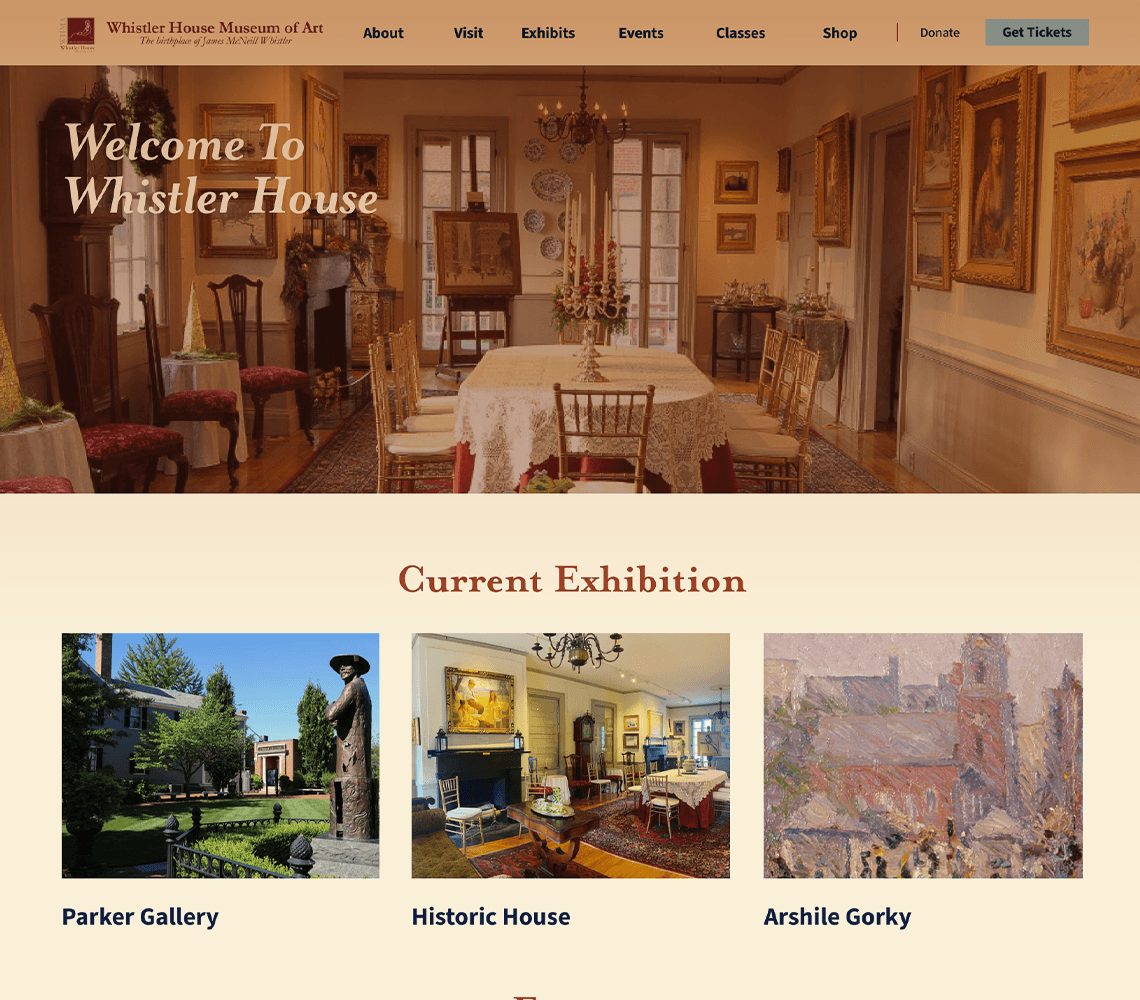
Website
Application
For my Web Design 2 course, we had a project to redesign an existing website that was poorly designed.
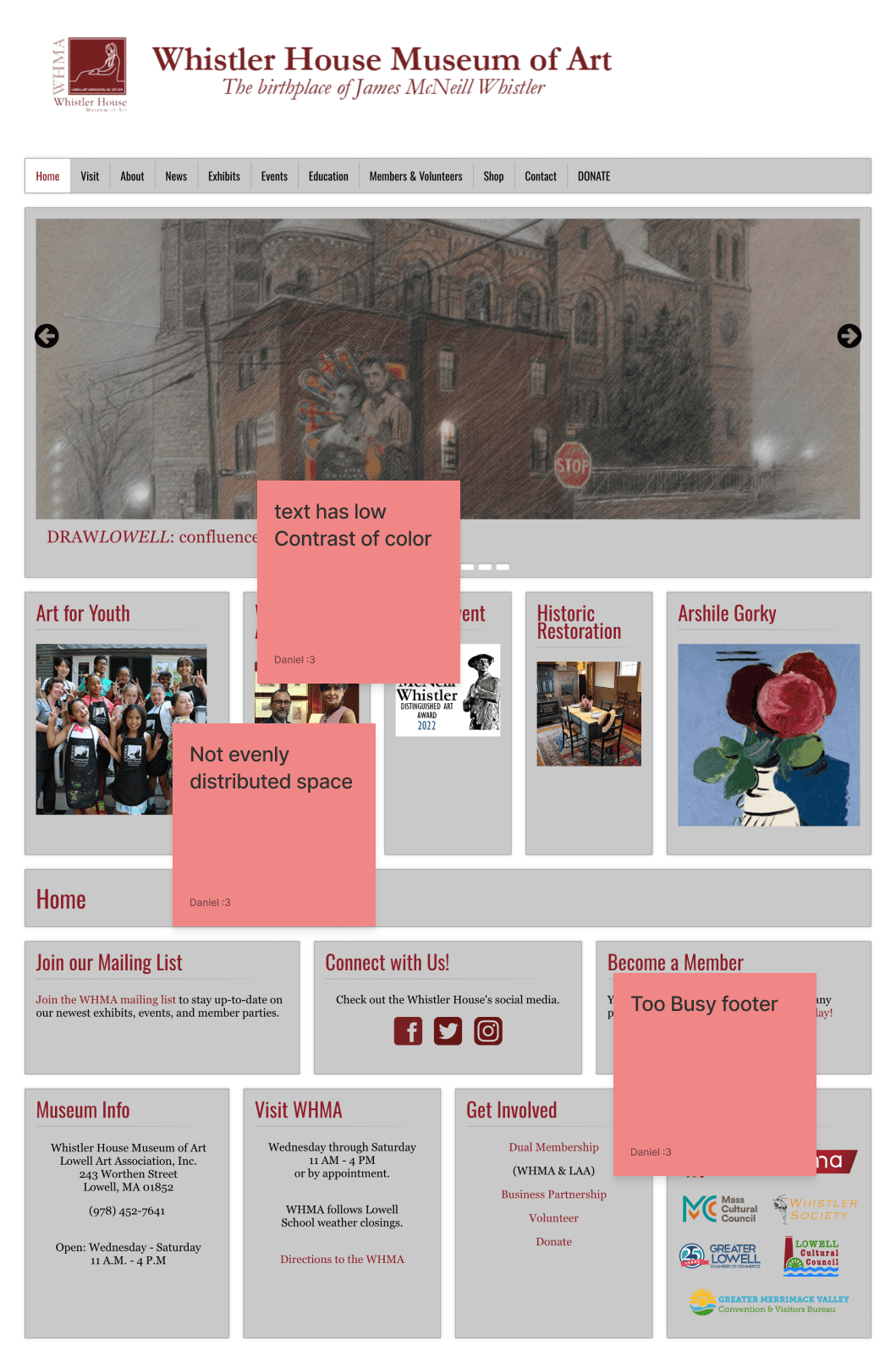
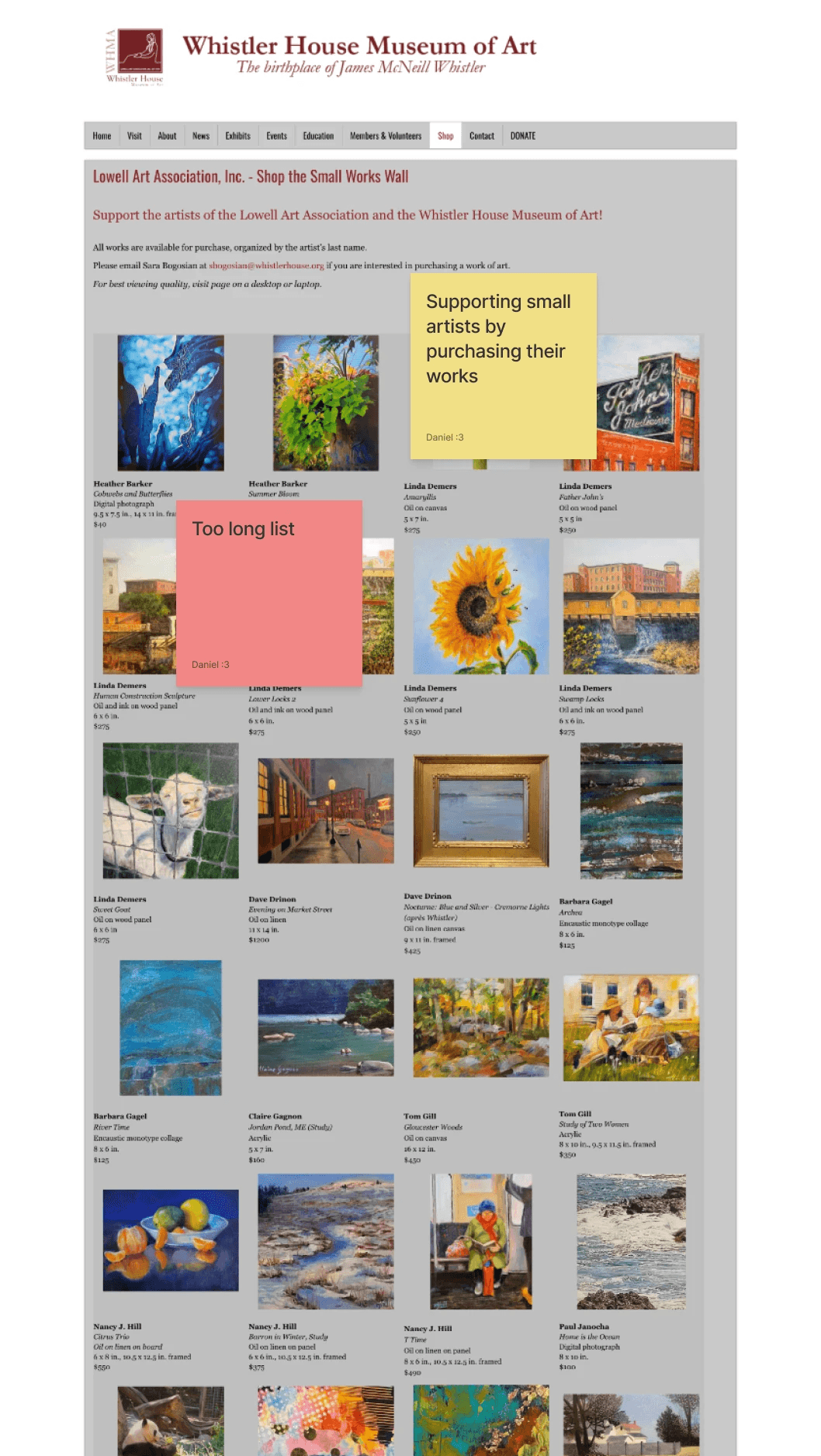
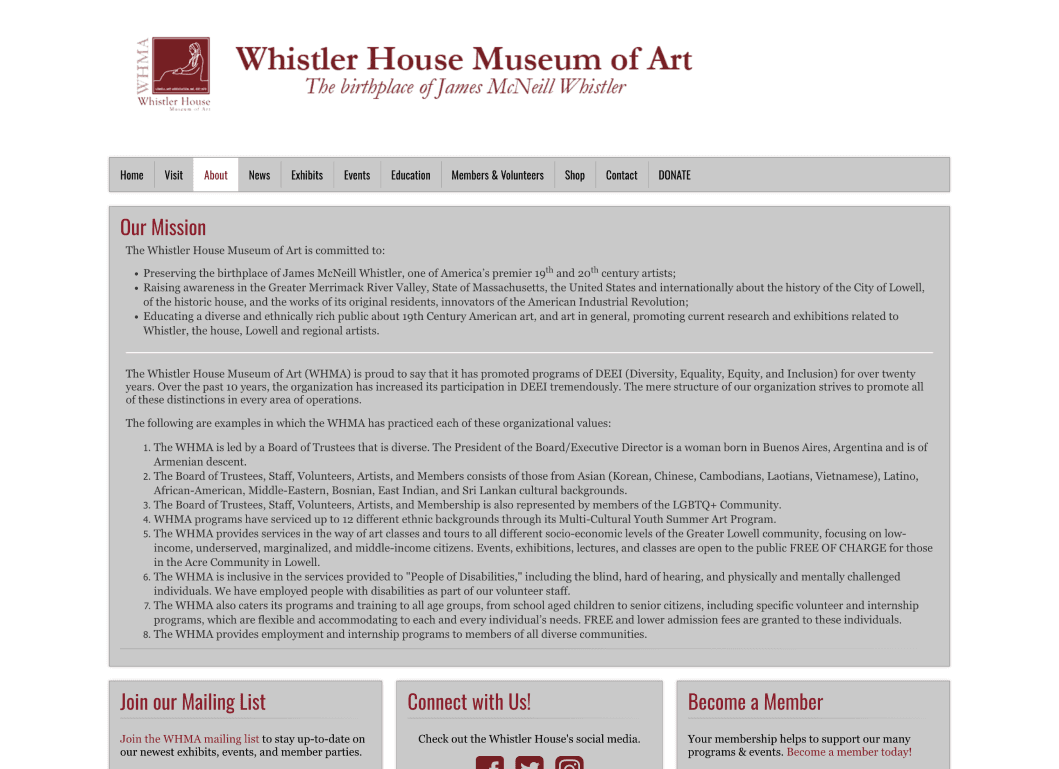
The Research
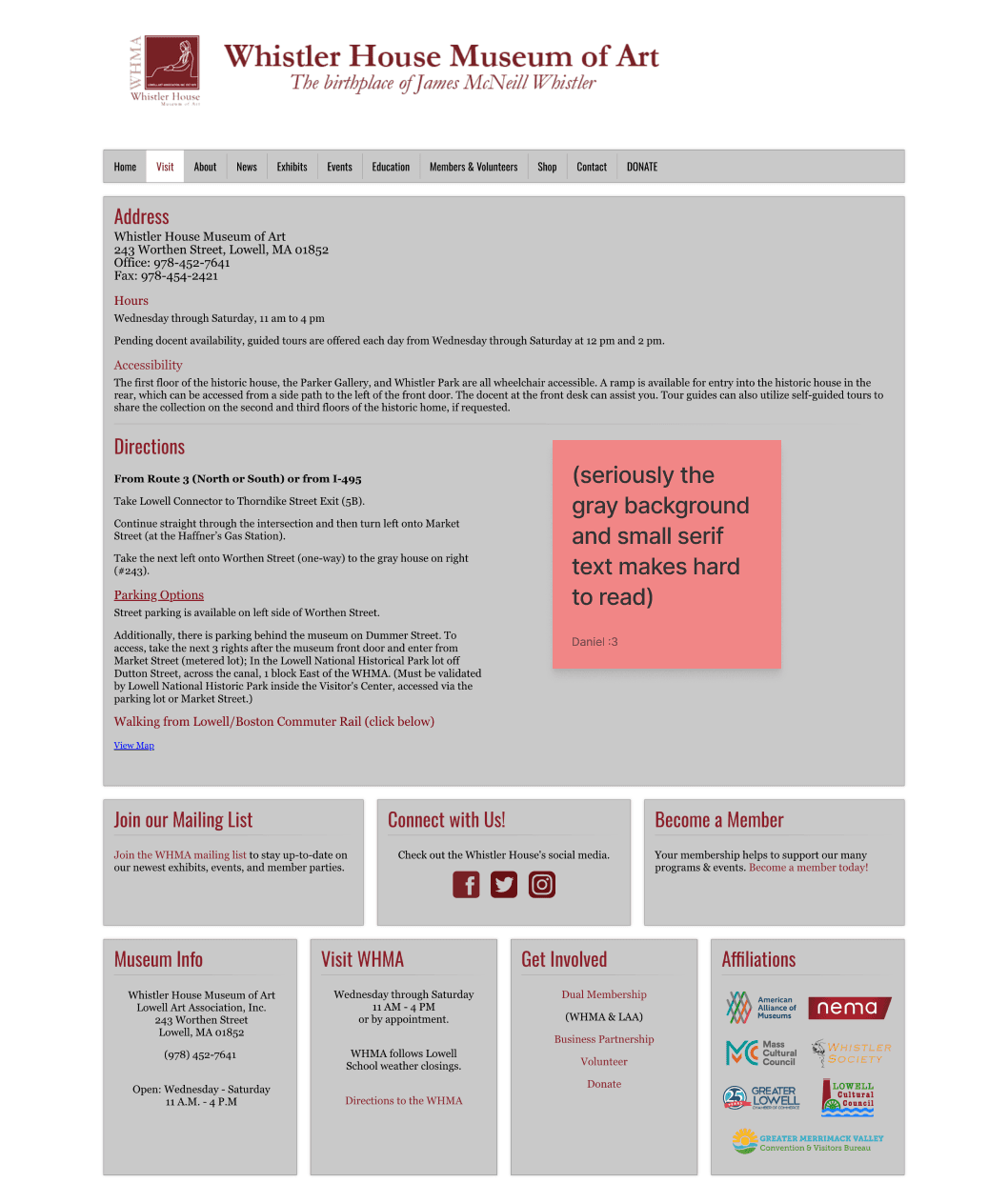
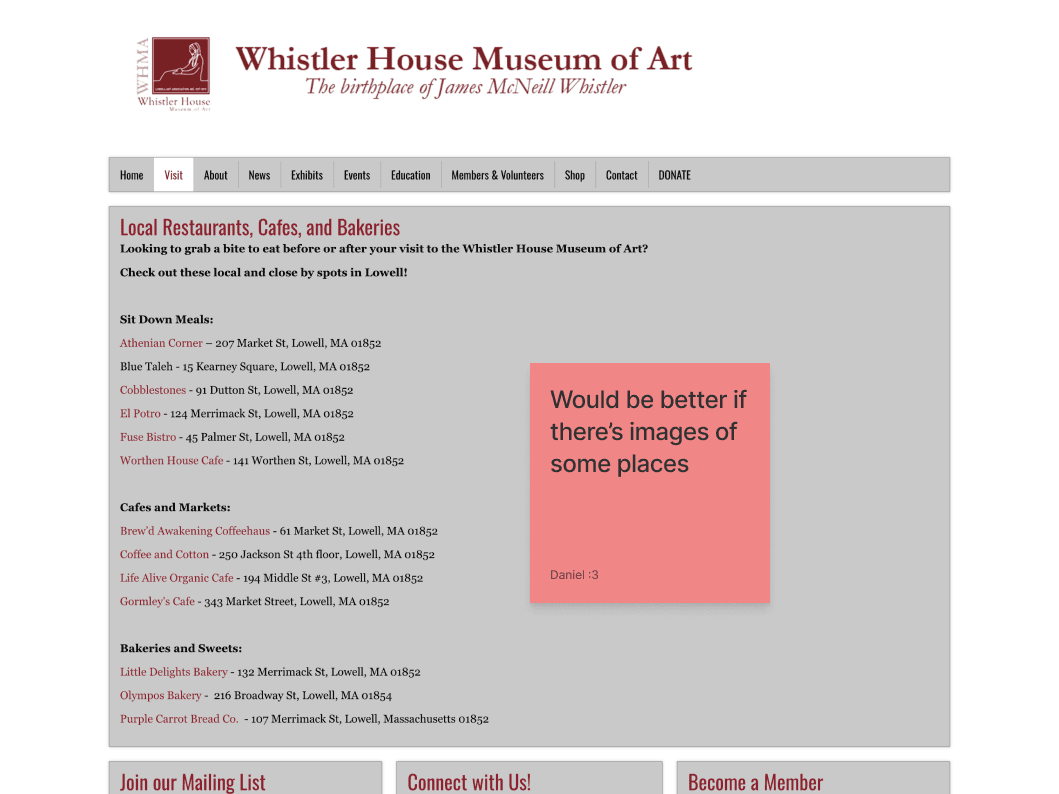
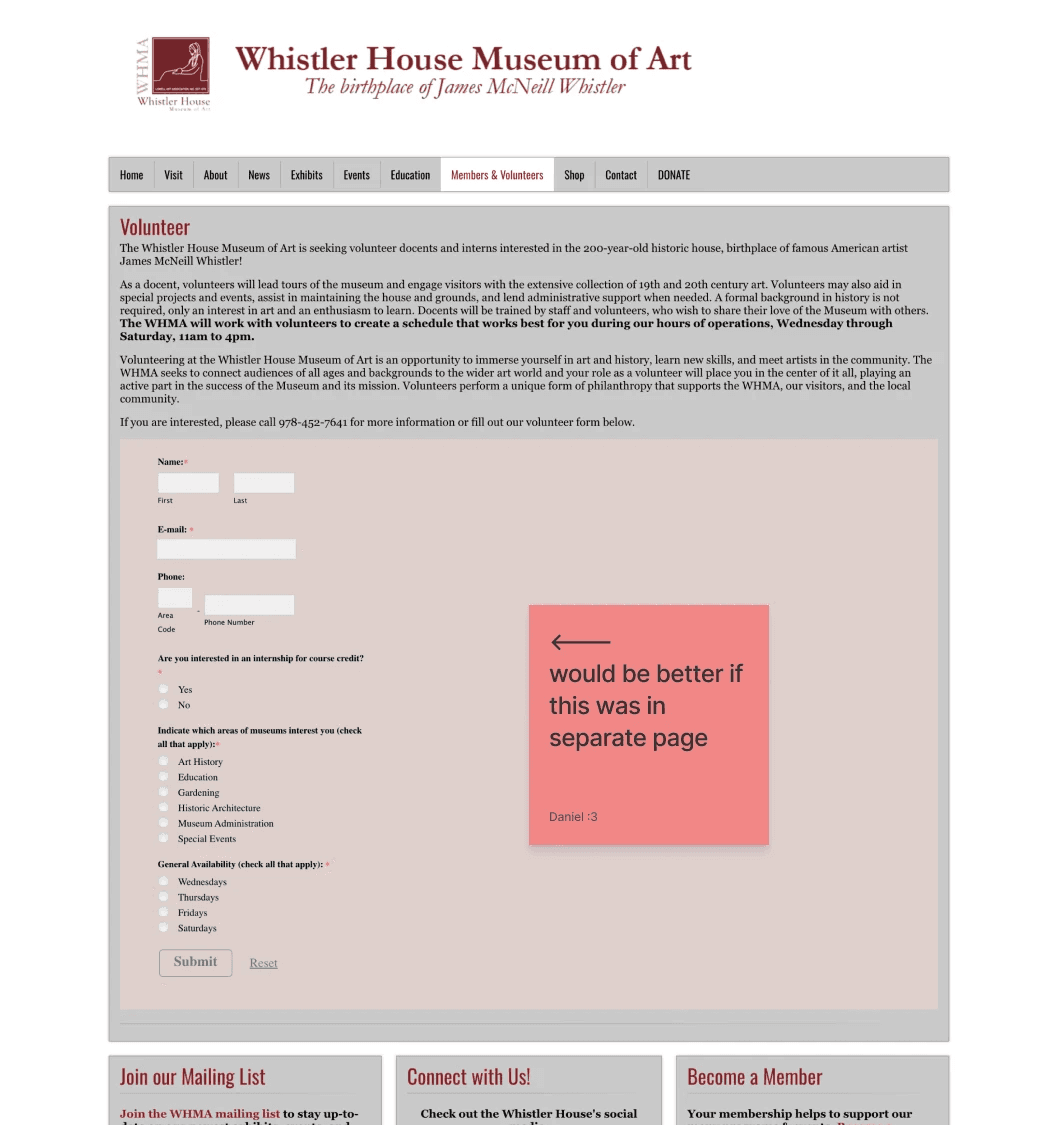
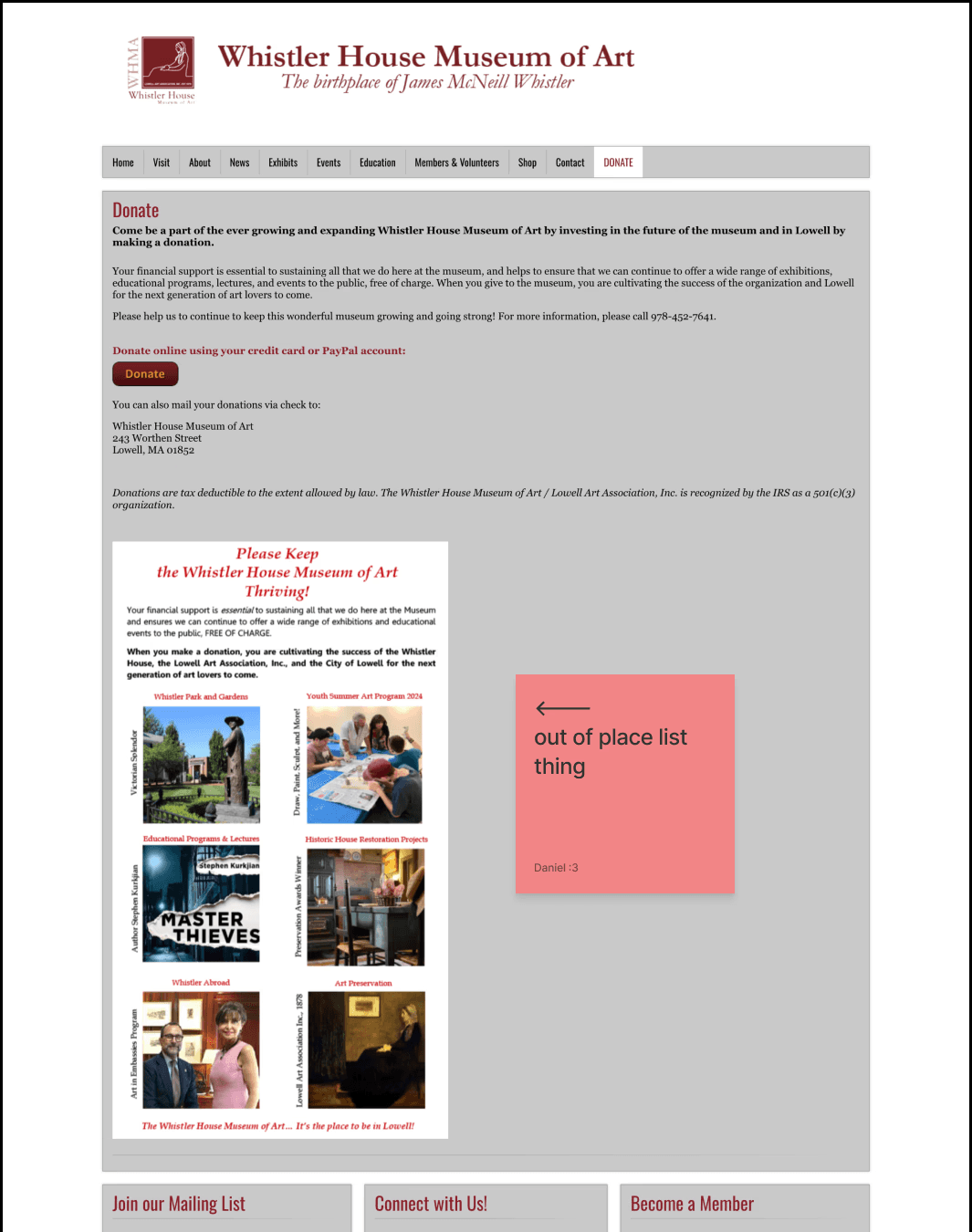
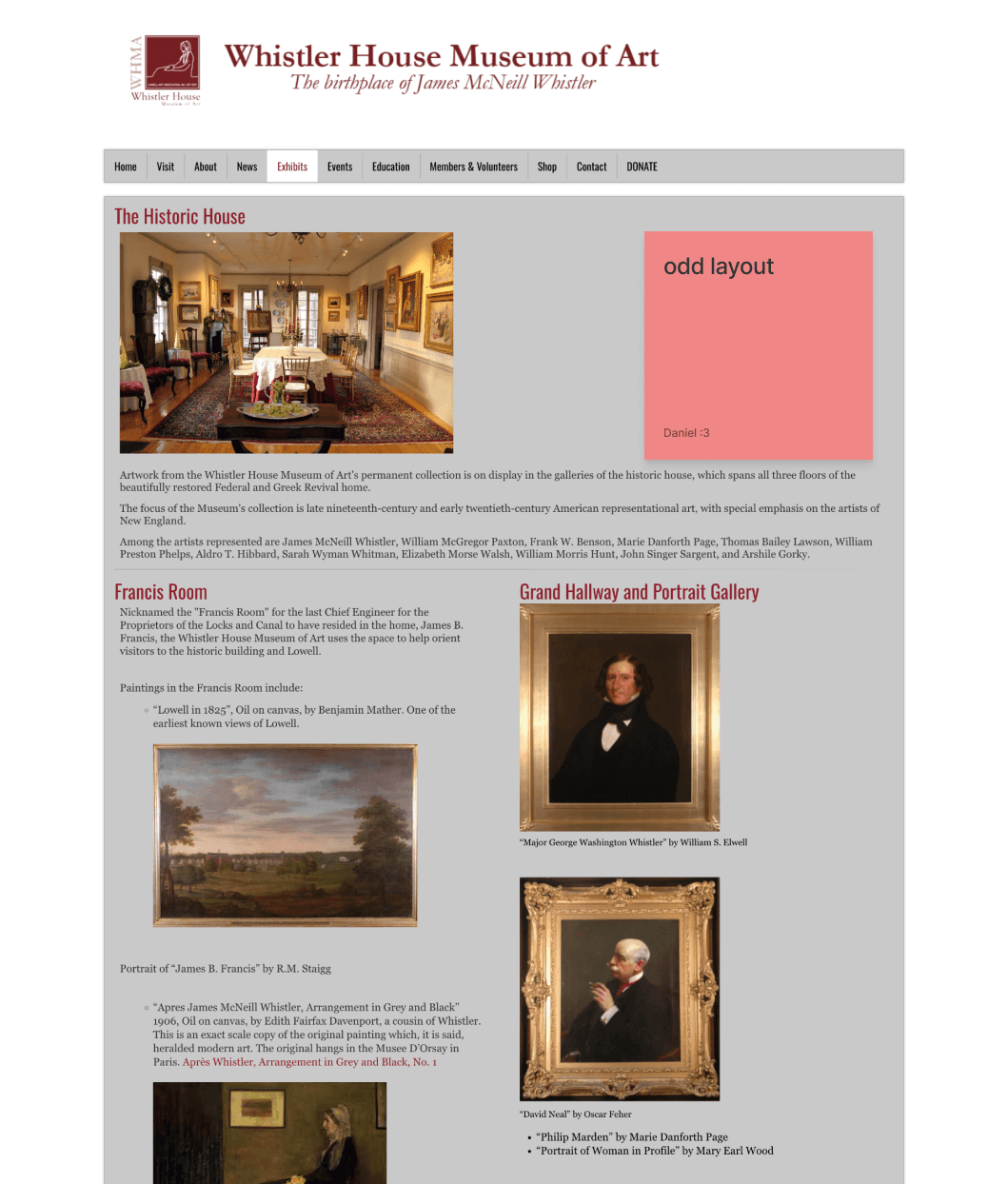
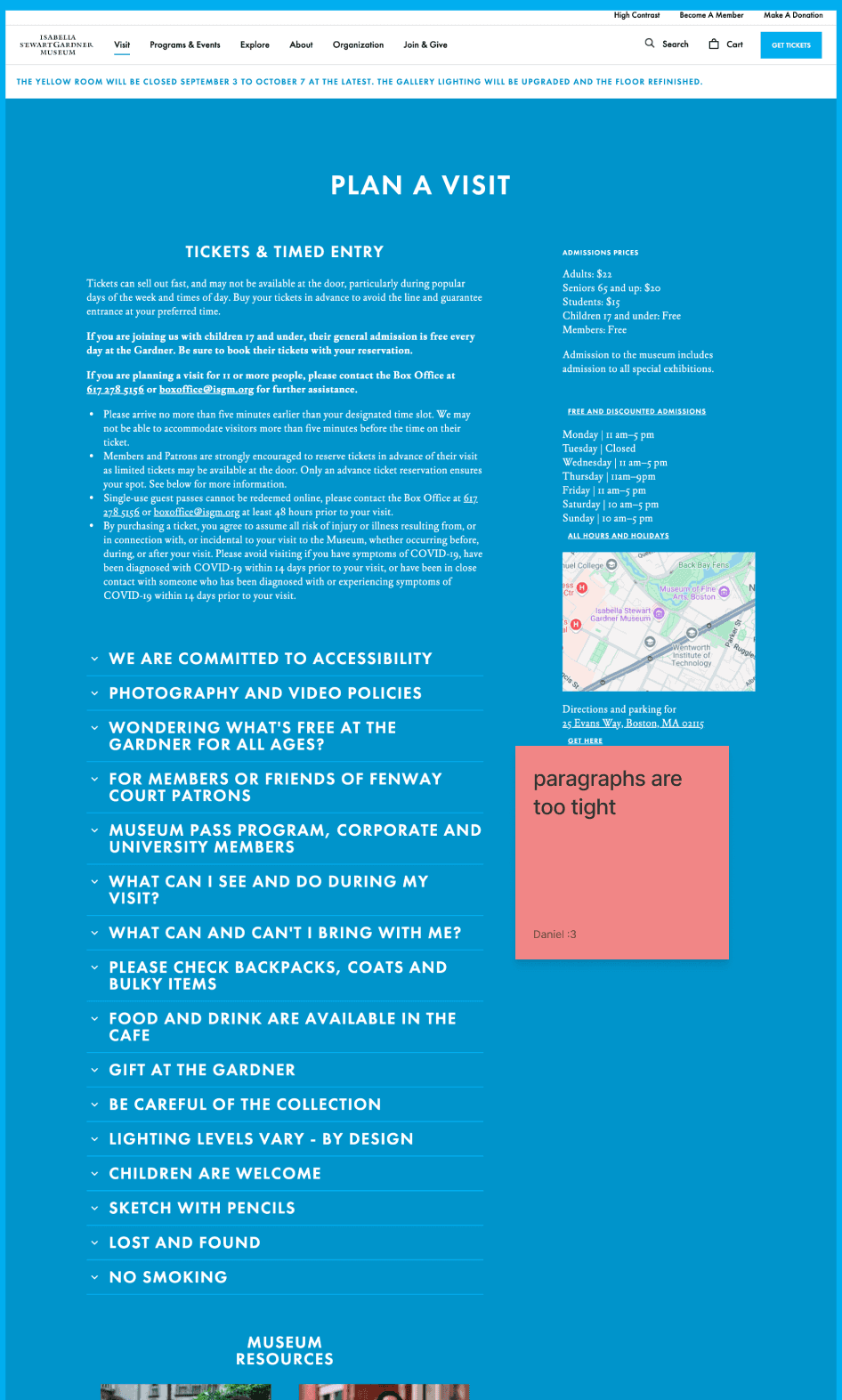
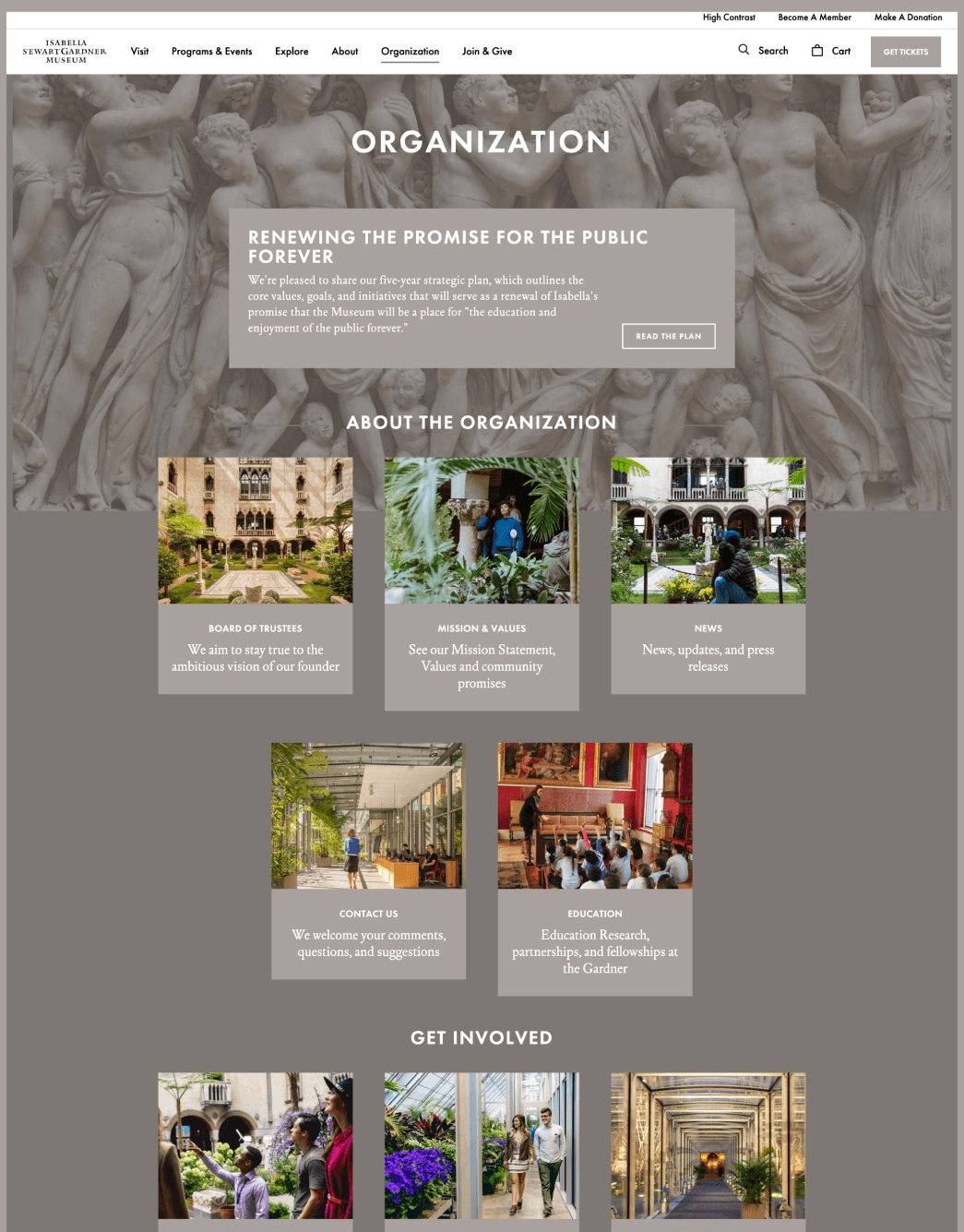
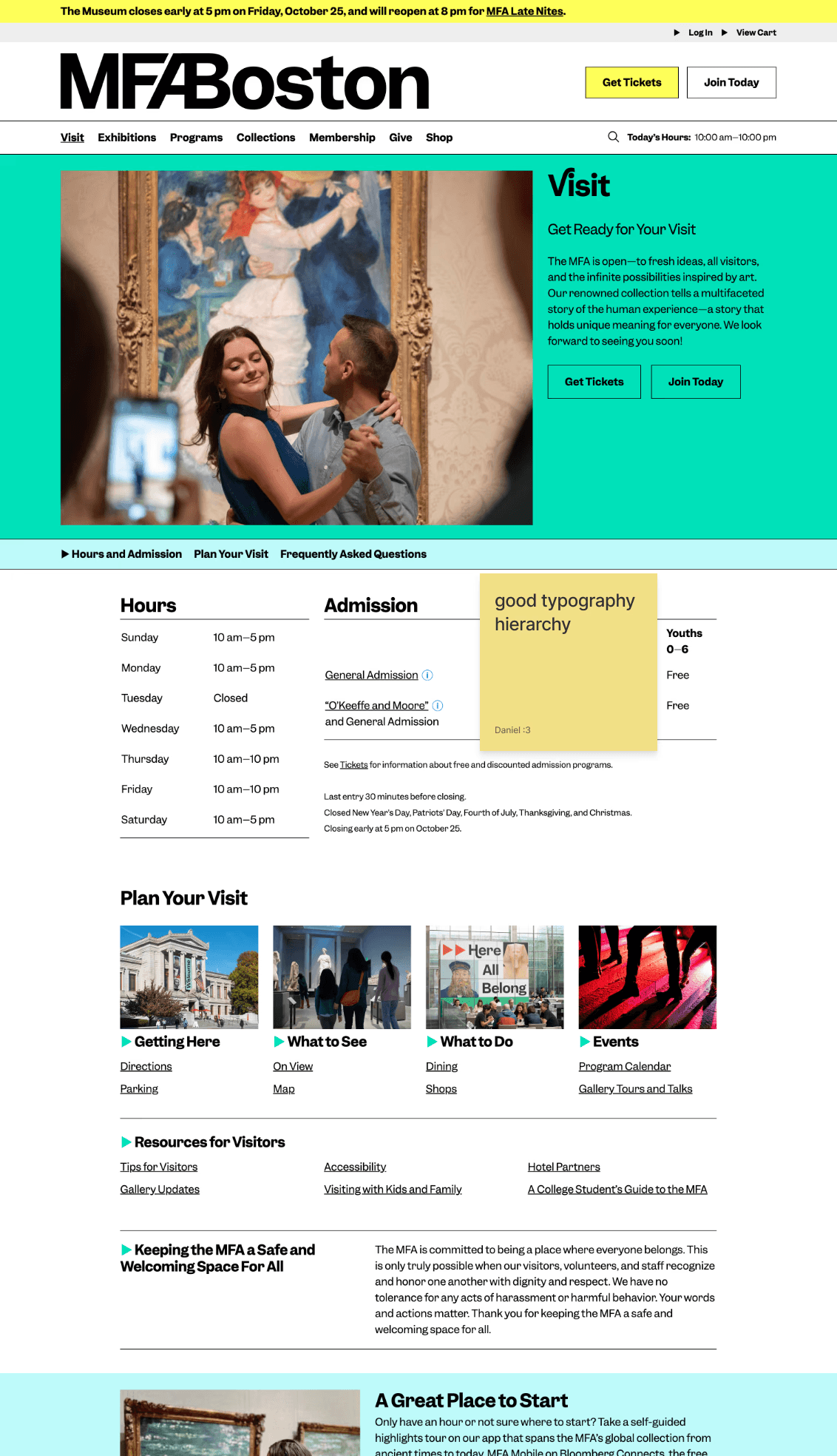
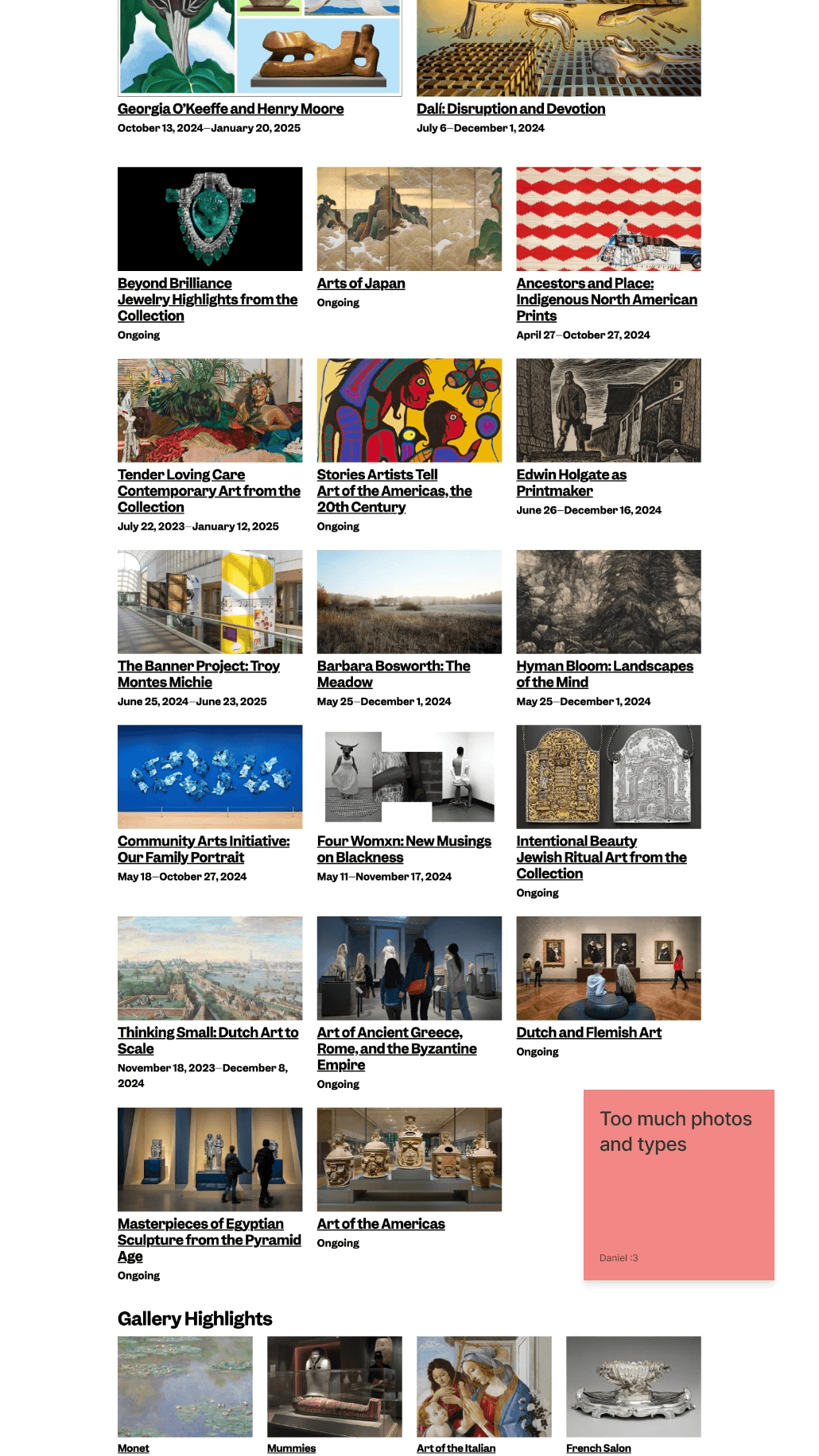
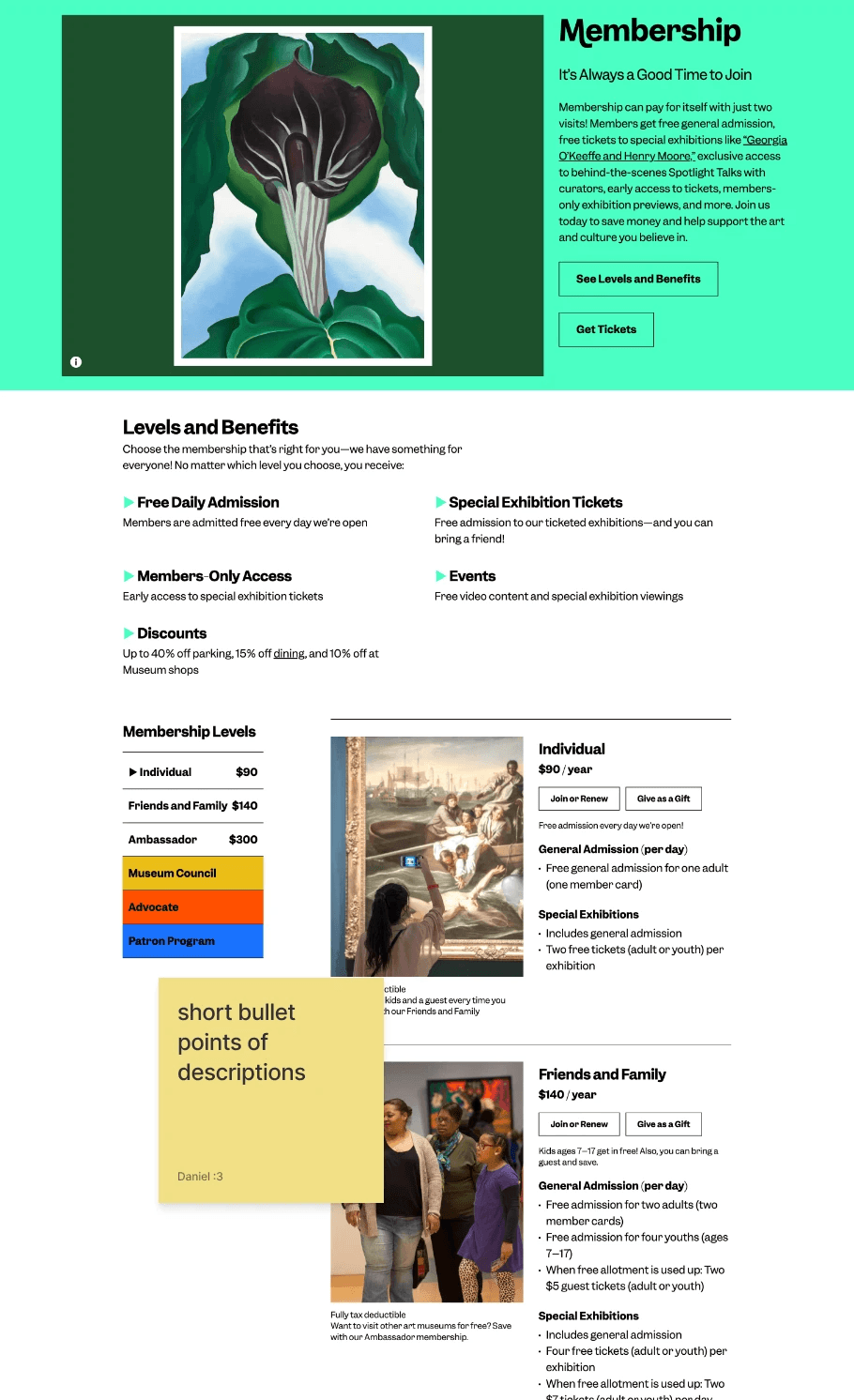
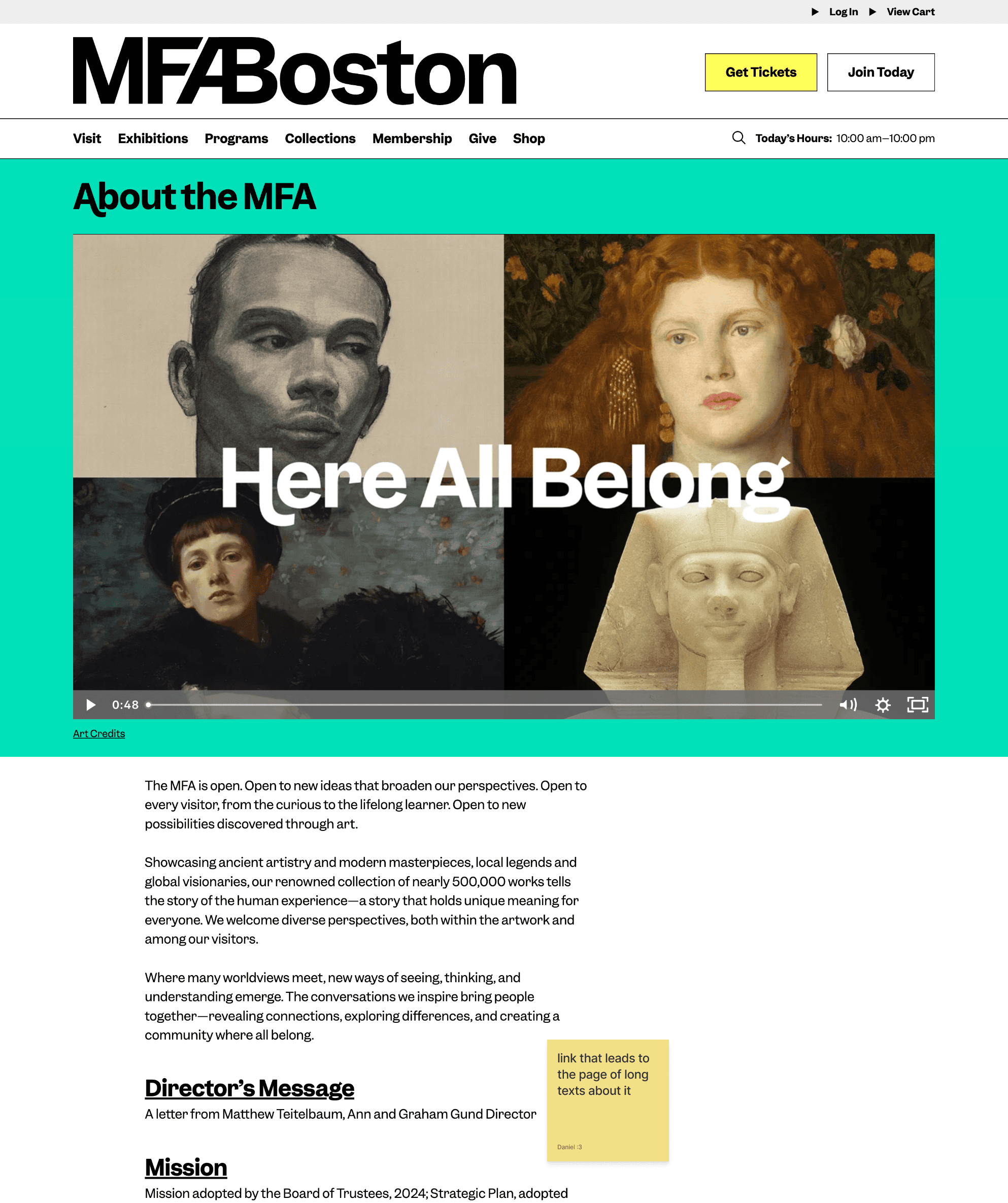
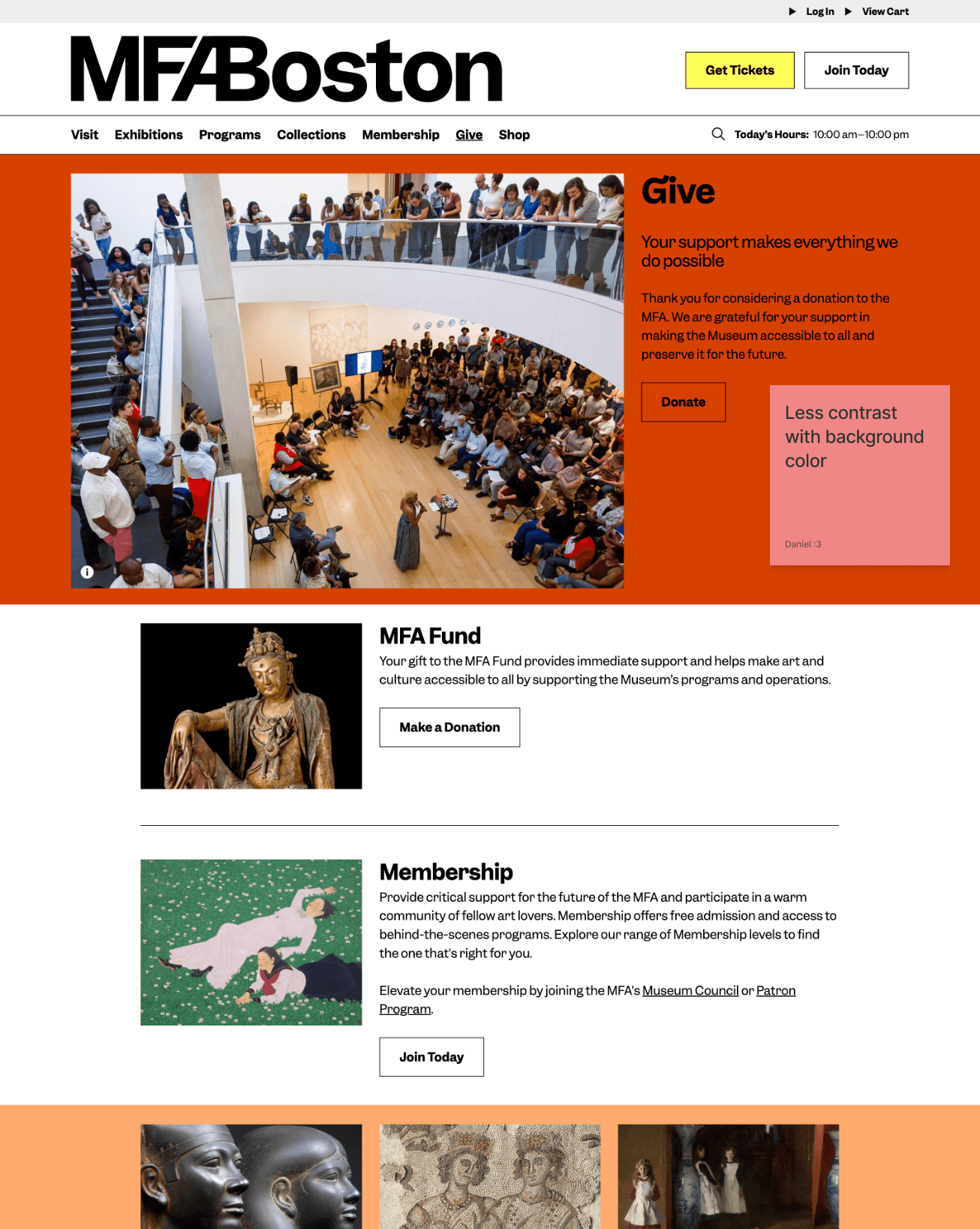
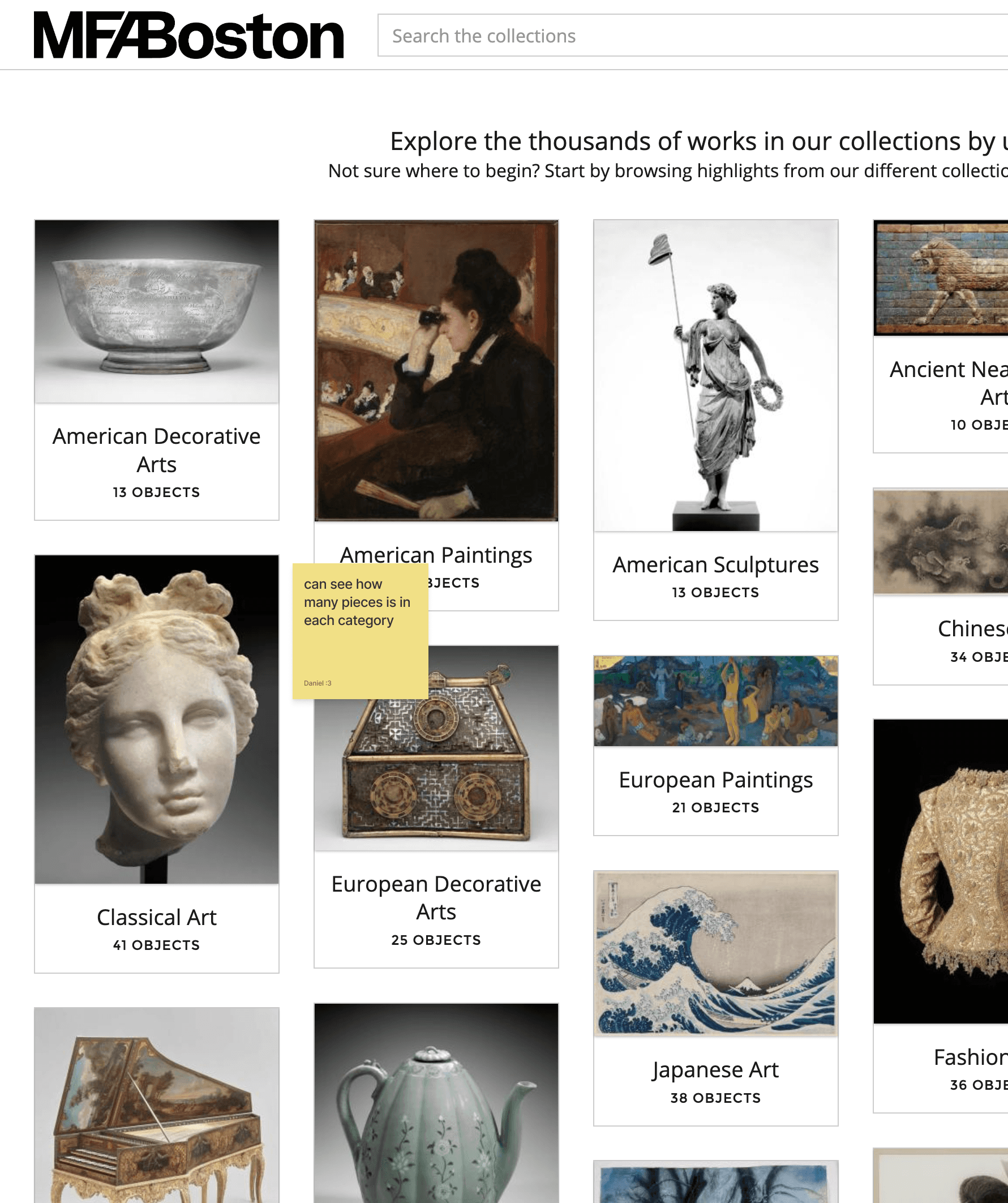
For this project, I picked the Whistler House Museum of Art because I felt that the website did not reflect the beauty and essence of the museum. The entire website had all of its text and artwork featured in gray boxes.
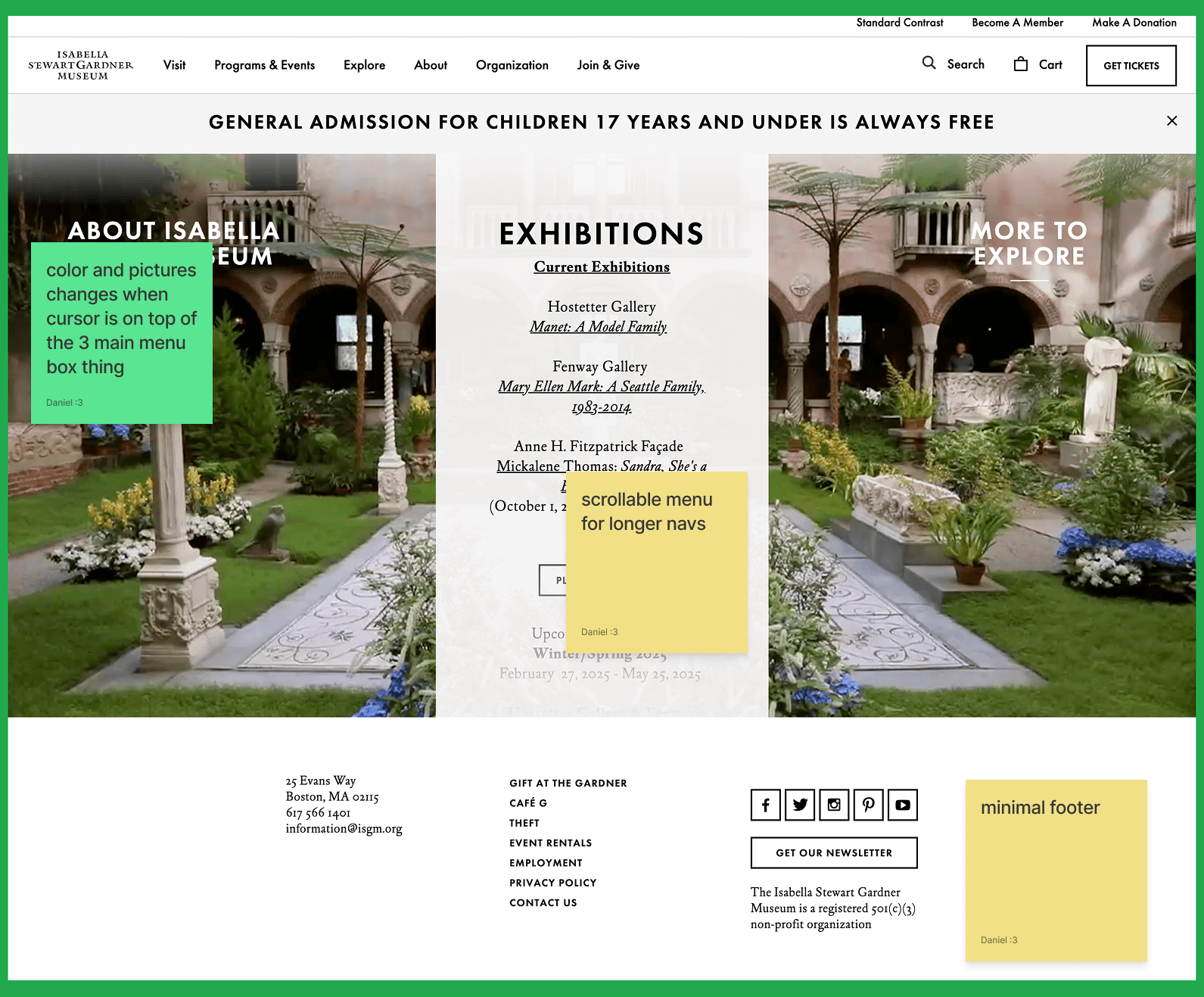
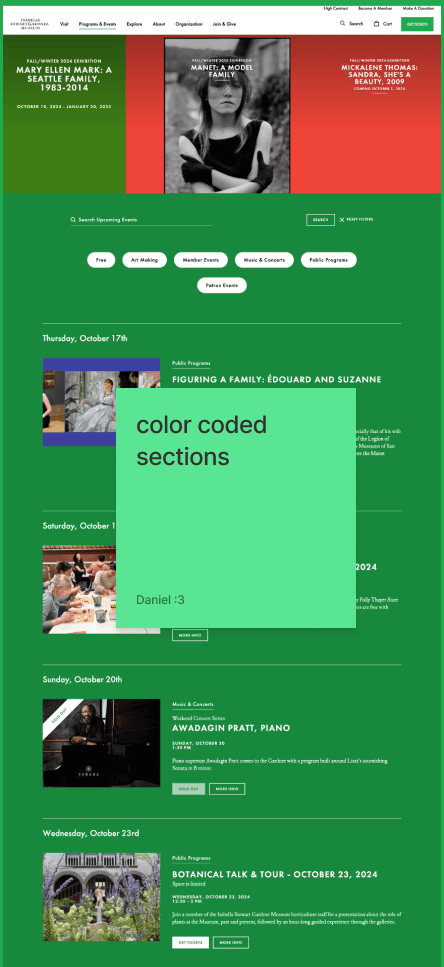
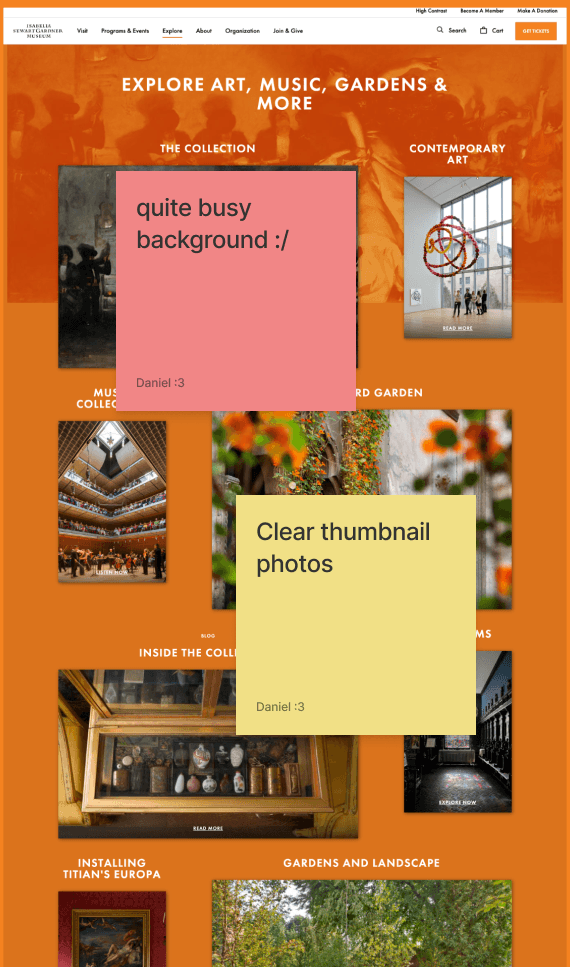
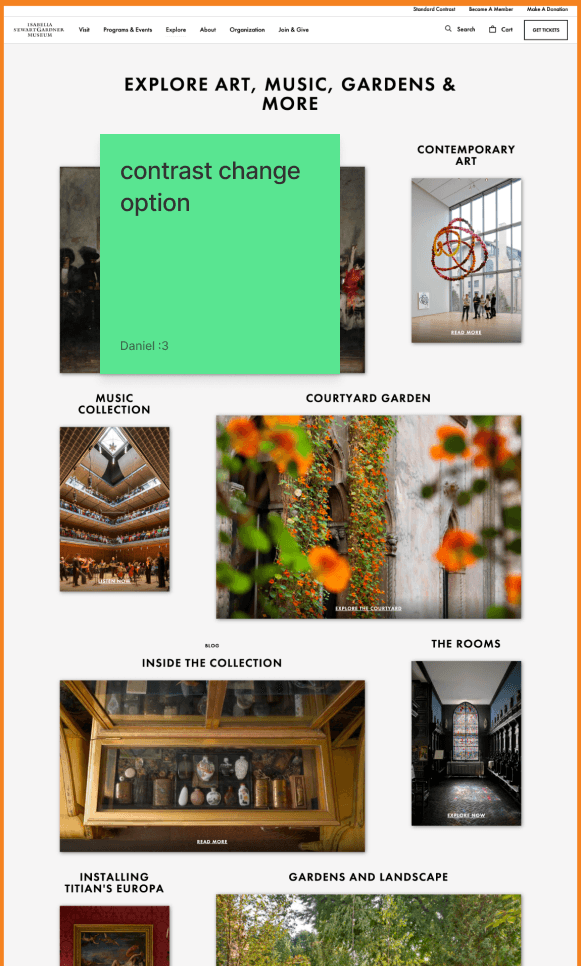
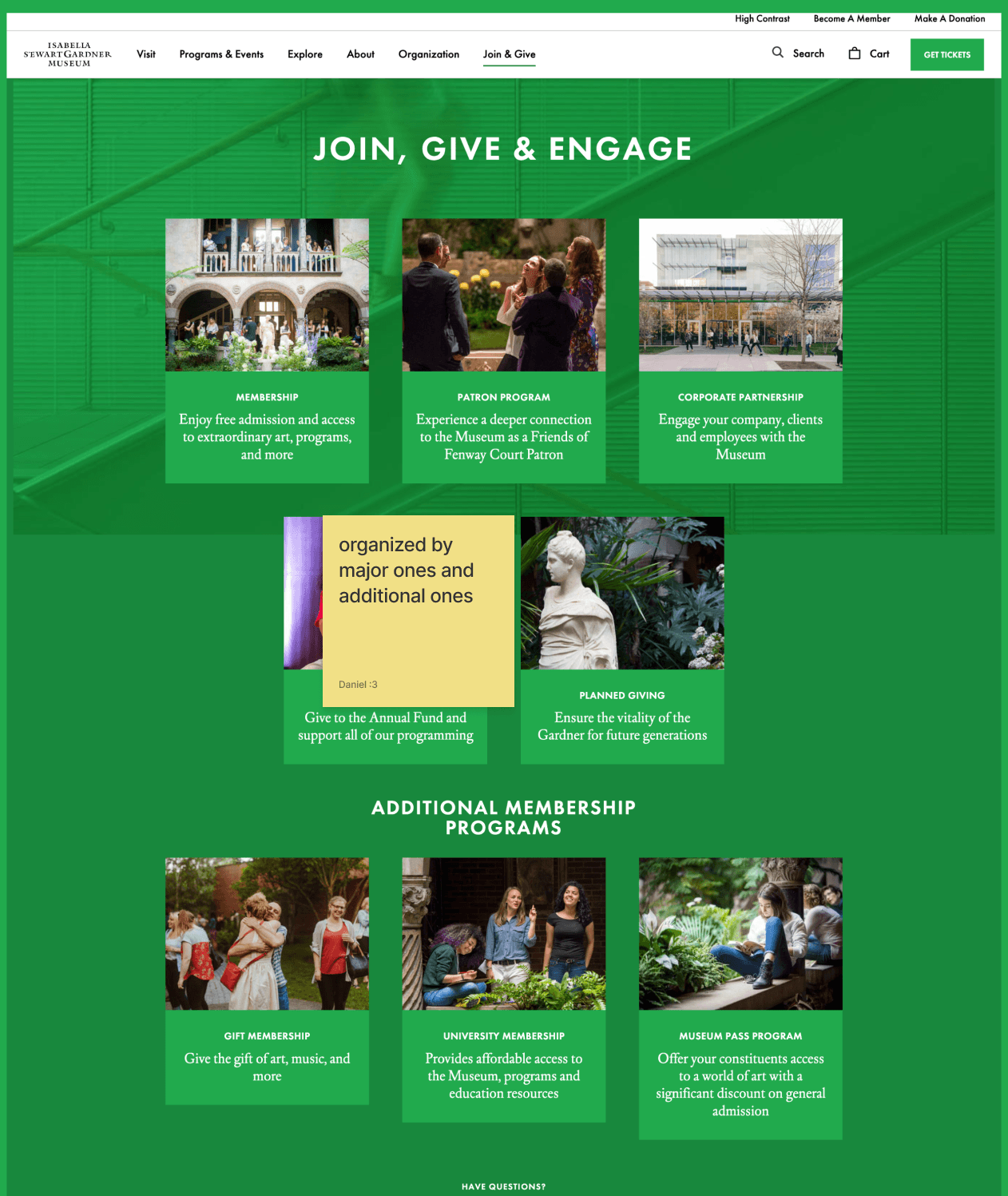
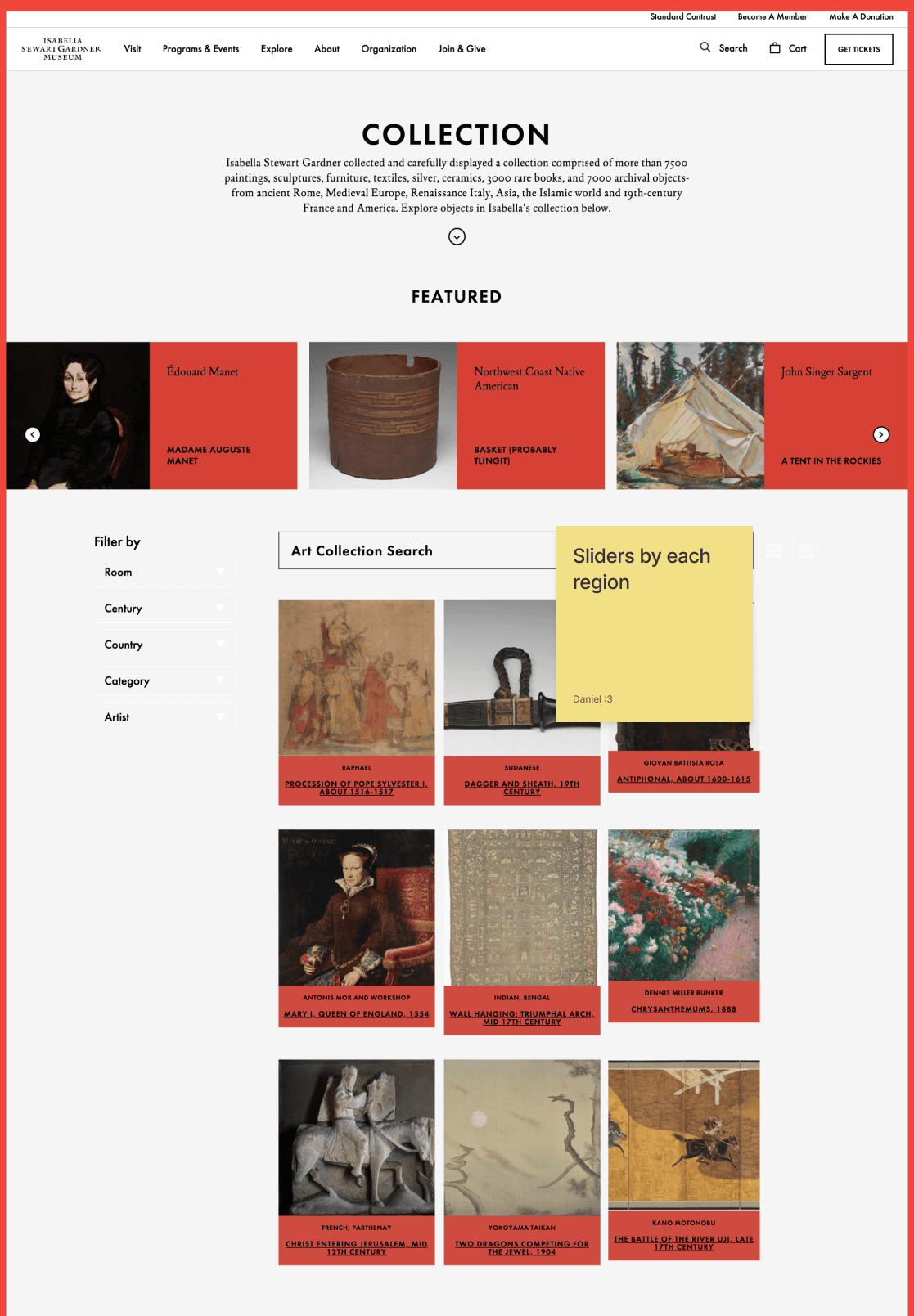
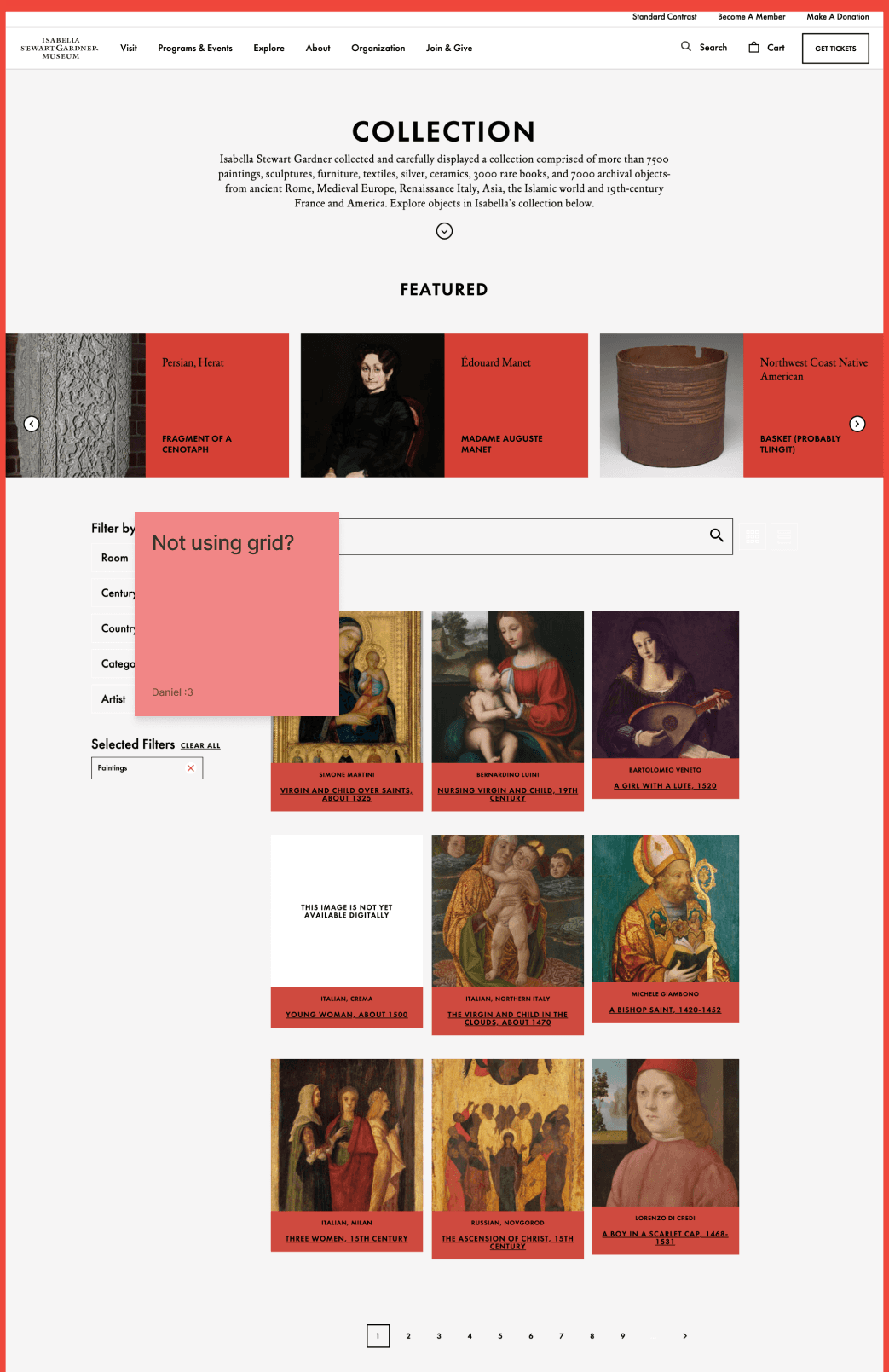
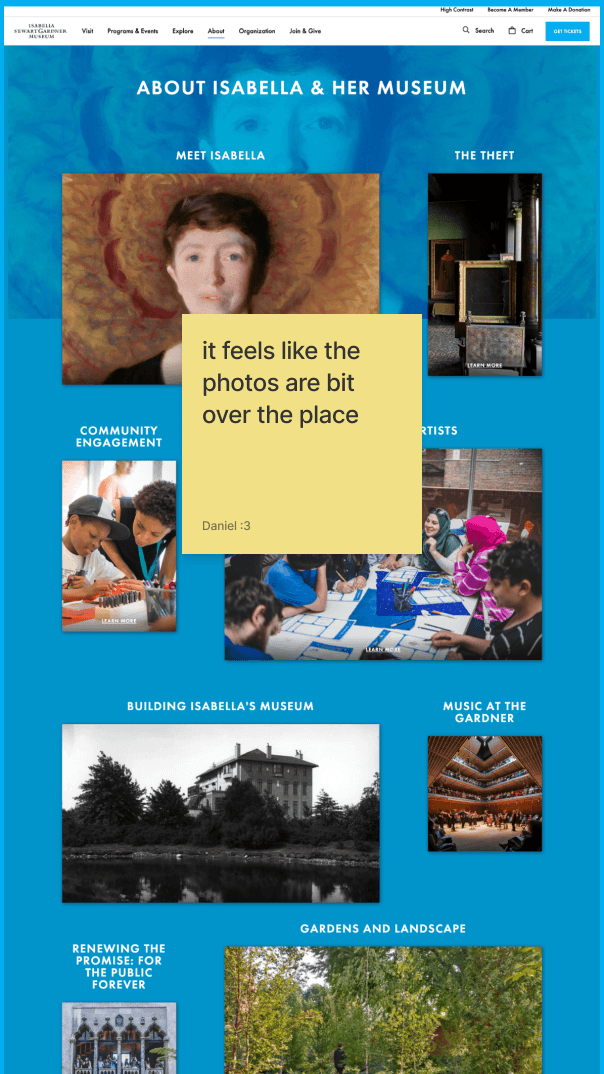
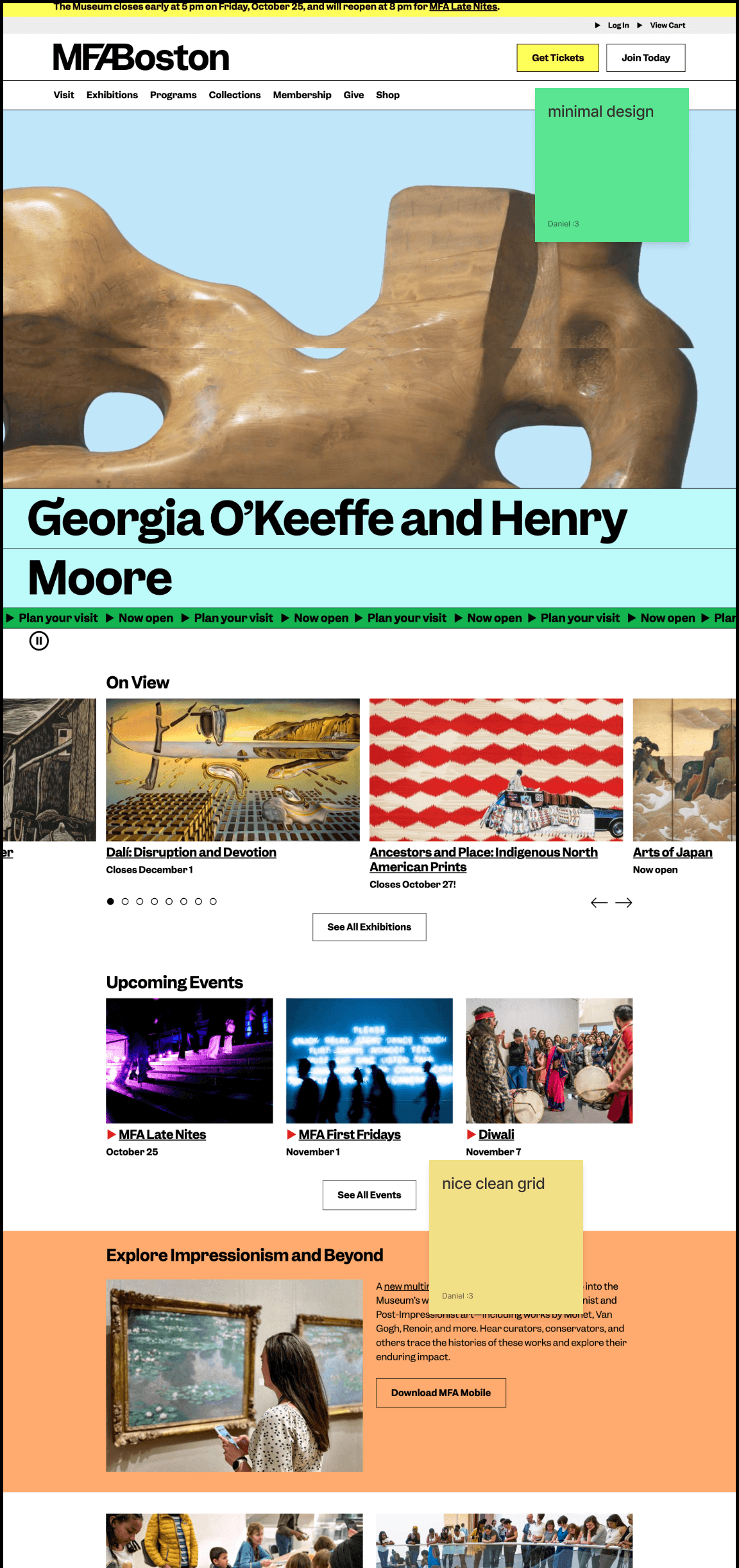
First, I scanned through the museum's website and identified areas of improvement. Then, I researched a couple of competitors' websites for inspiration and to identify how other museums were designing their websites.
User Persona
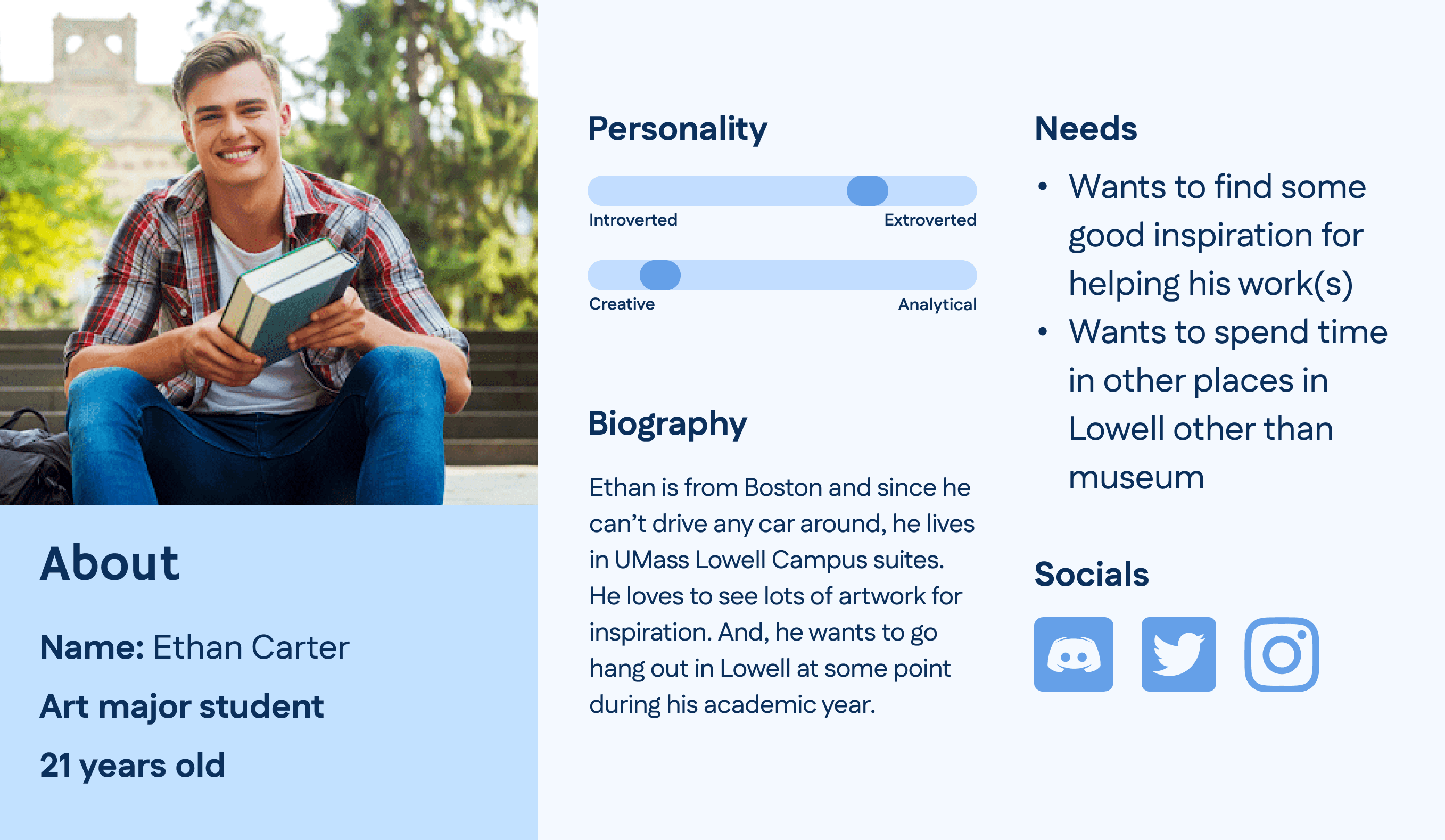
I created a user persona to help me navigate and decide what design features would make the most sense for this type of audience.
Brainstorming
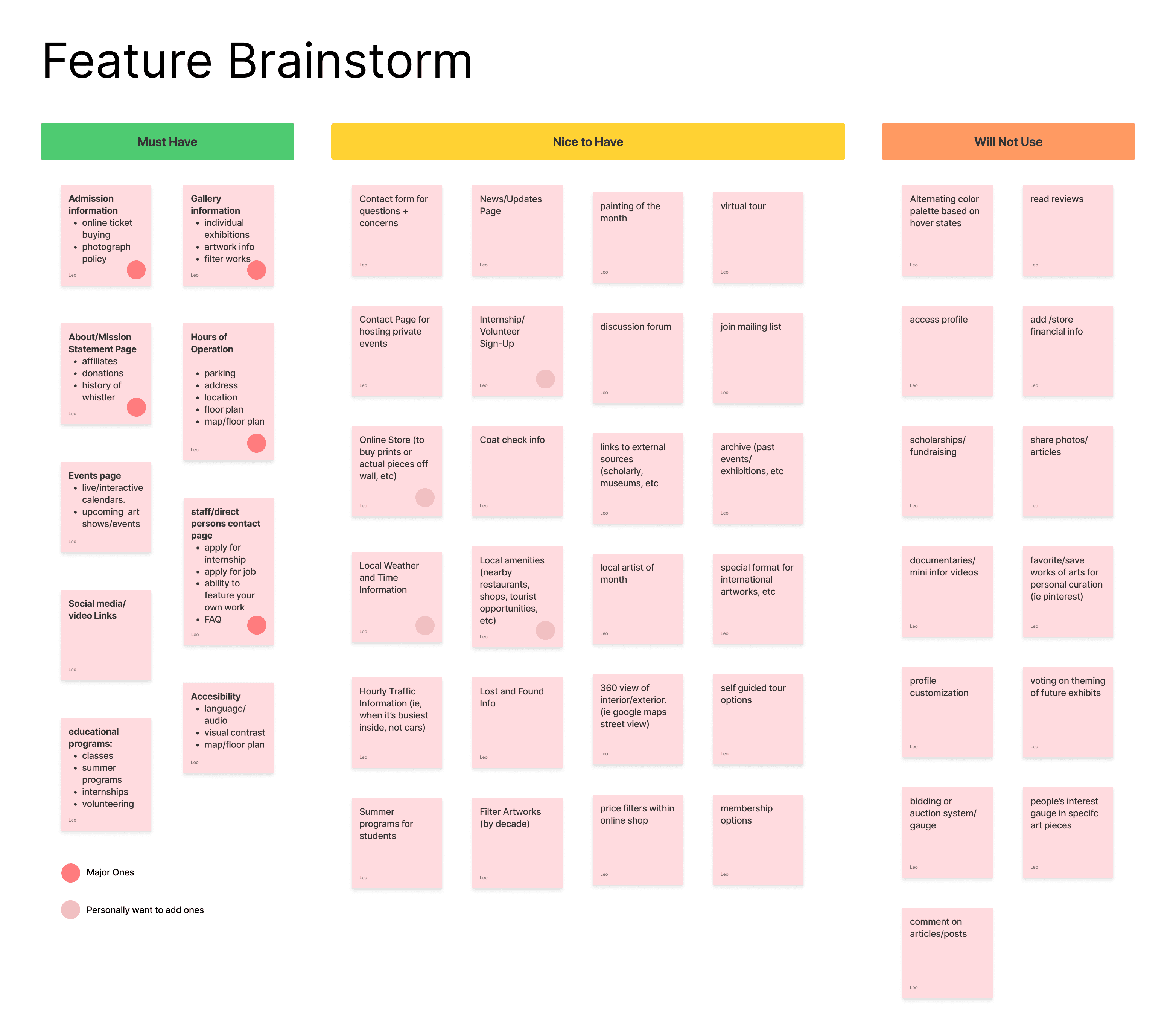

After I finished my research stage, I worked with my classmates to brainstorm different website features that are good for a website to have. Then, we sorted the features into three different groups: must haves, nice to haves, and not needed. Based on our sorting work, I picked the features that would best match my user persona's need. Lastly, I created a site diagram to visualize the design features on the website and to organize how all of the content would connect.
MoodBoard
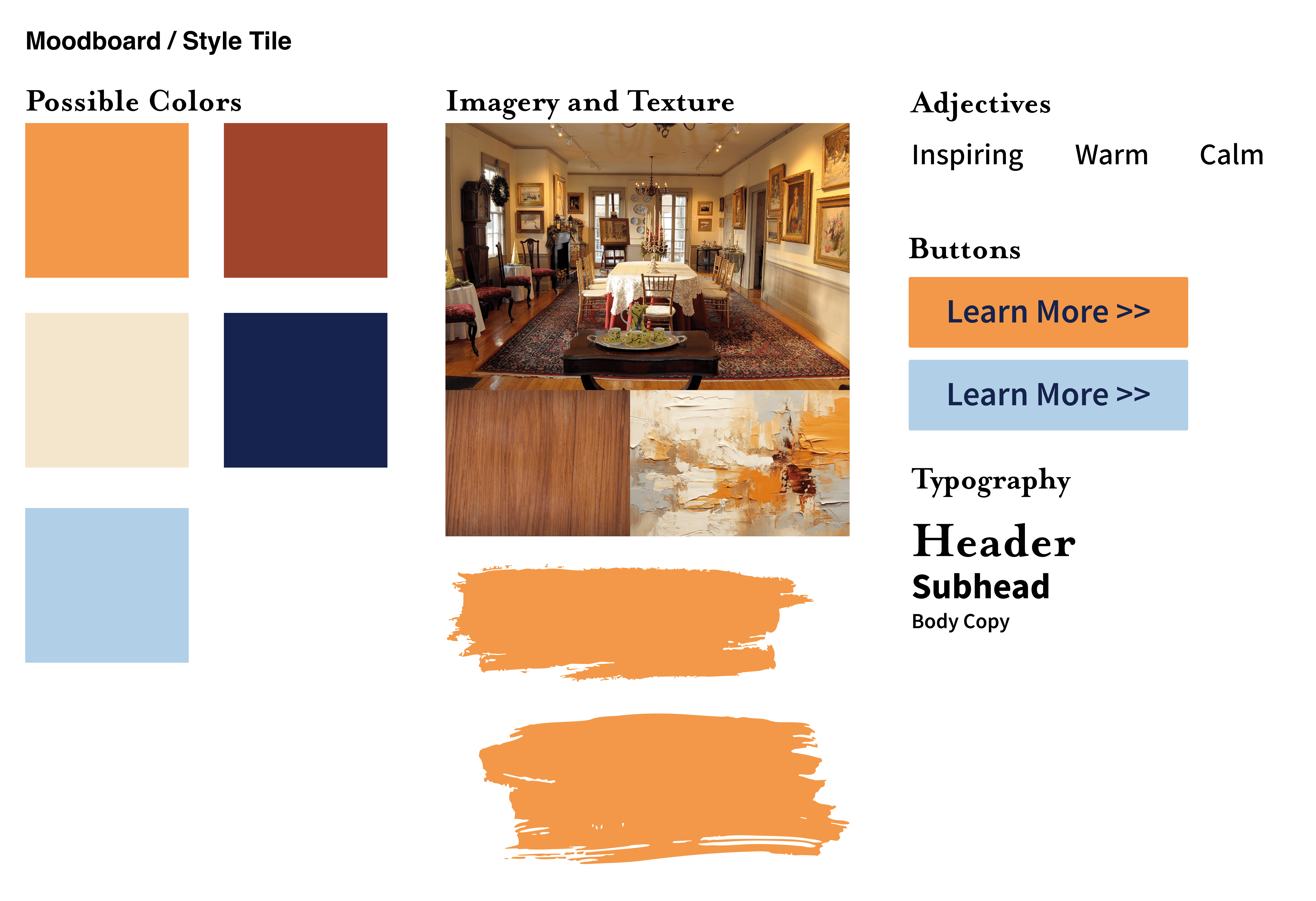
For the MoodBoard, I focused on capturing the warmth of the wood and the color scheme within the museum. I also wanted to incorporate the texture of the paint stroke into the website to help people visualize the paintings and artwork within the museum.
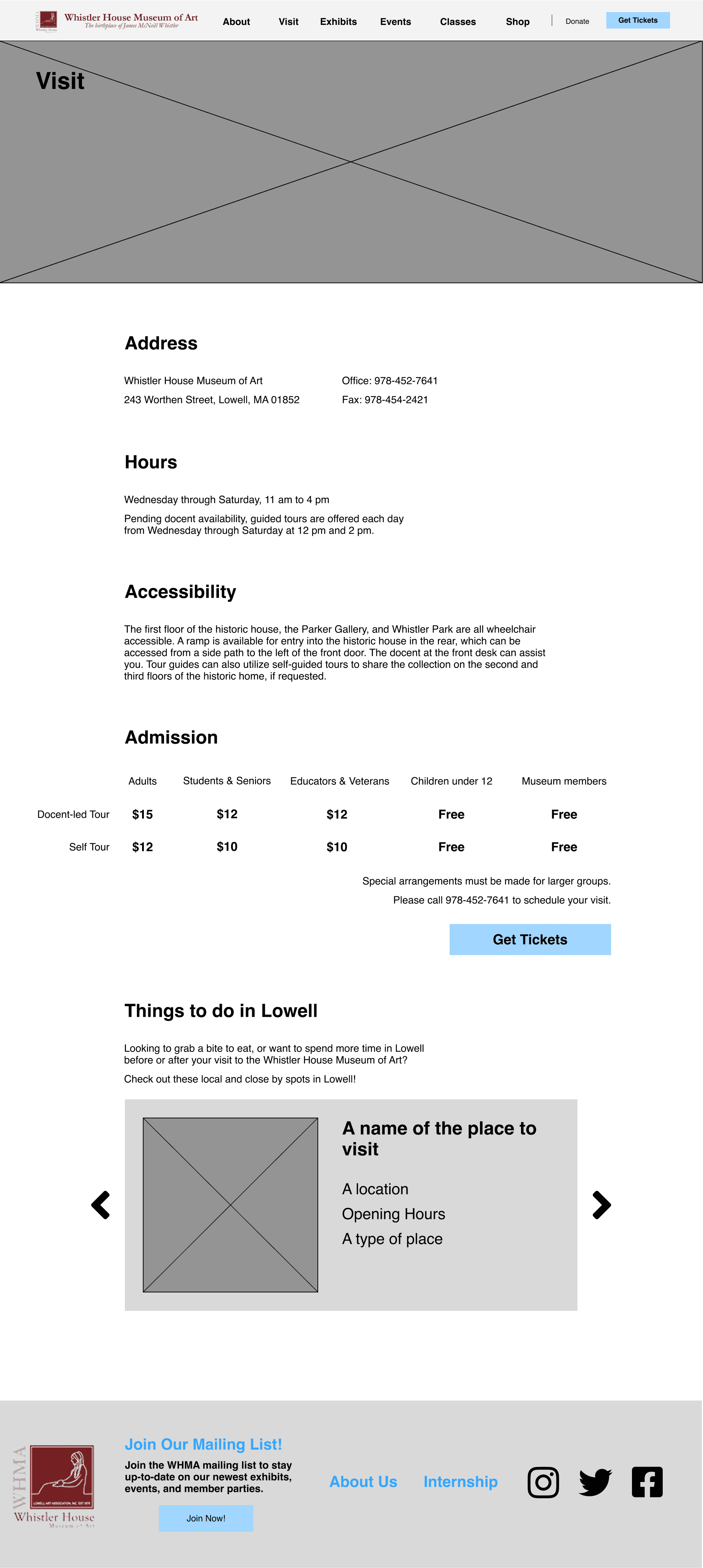
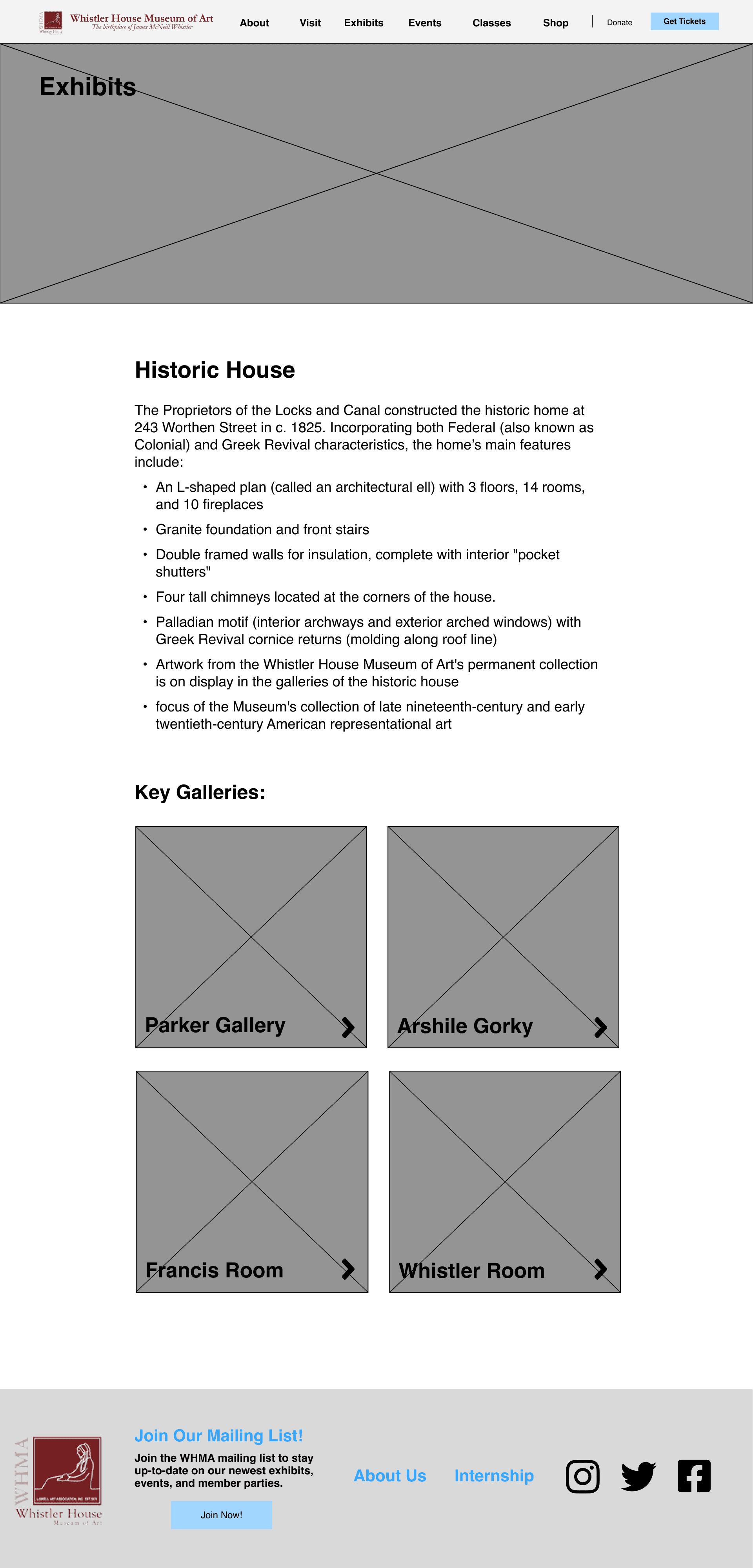
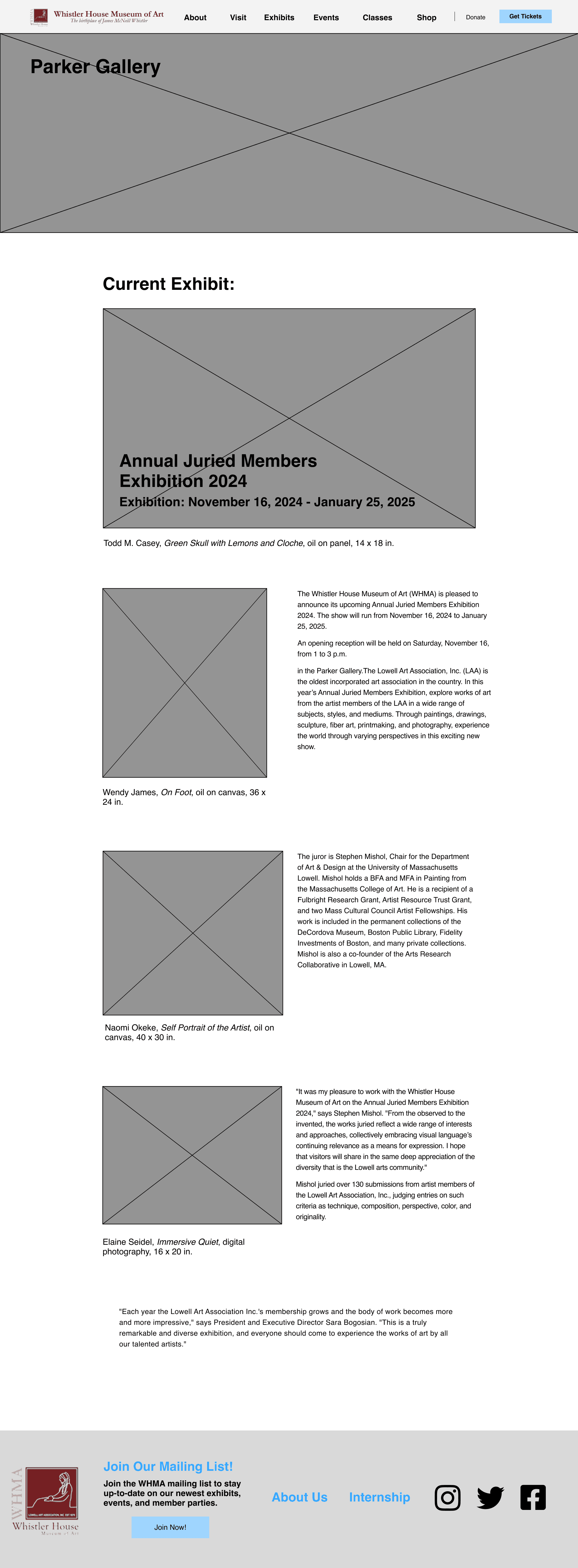
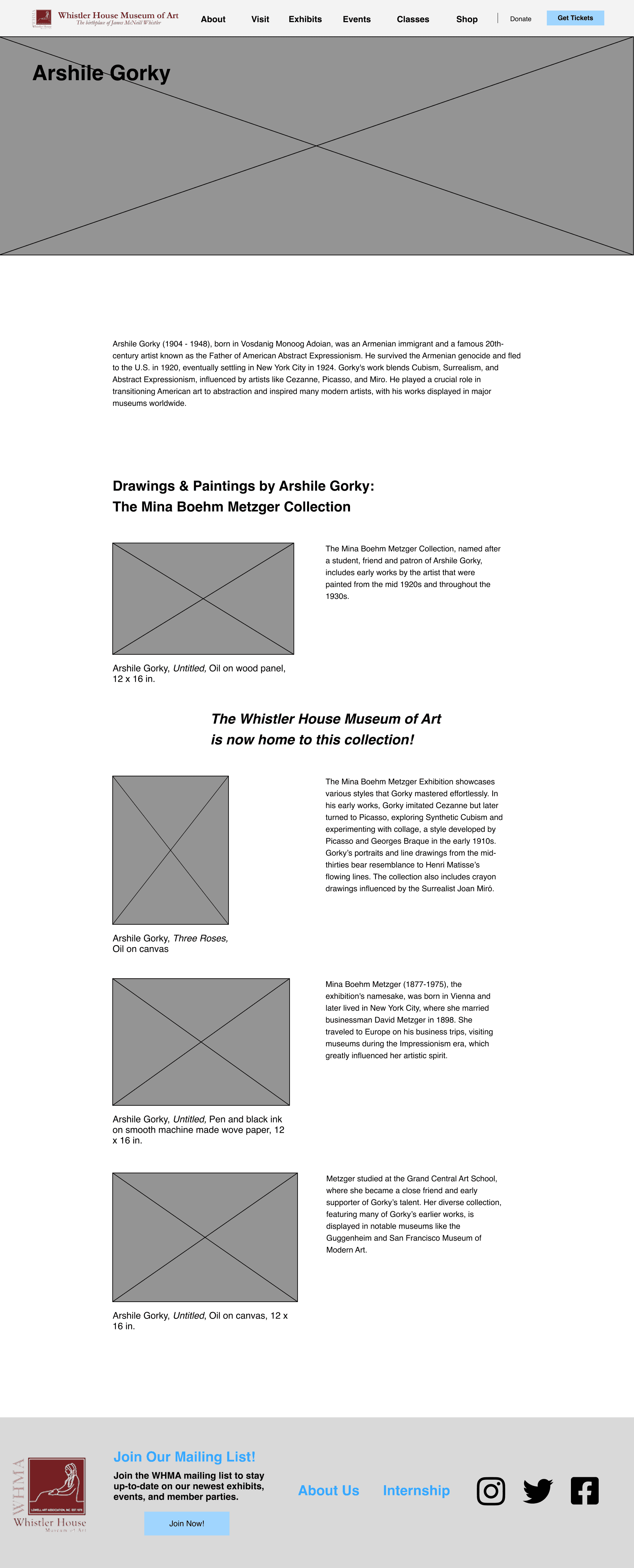
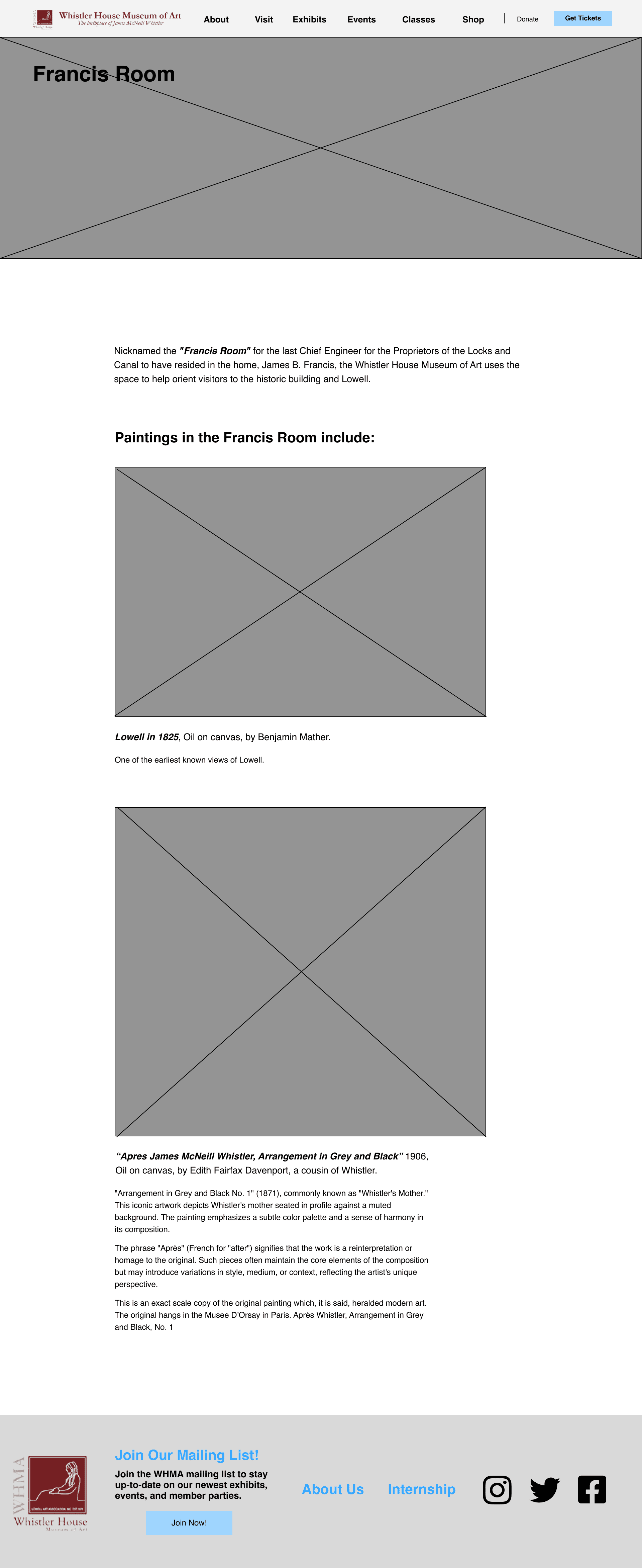
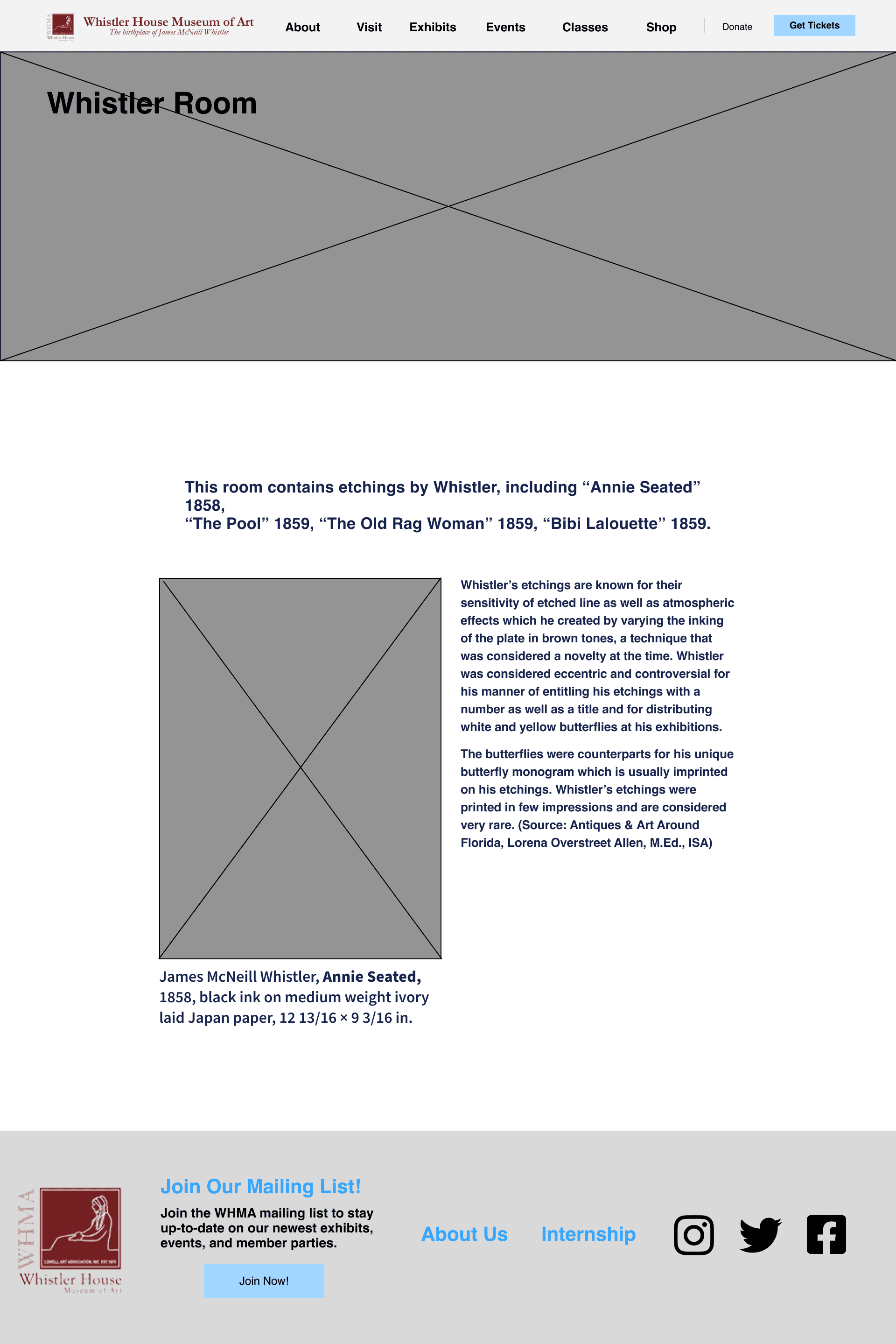
Wireframing
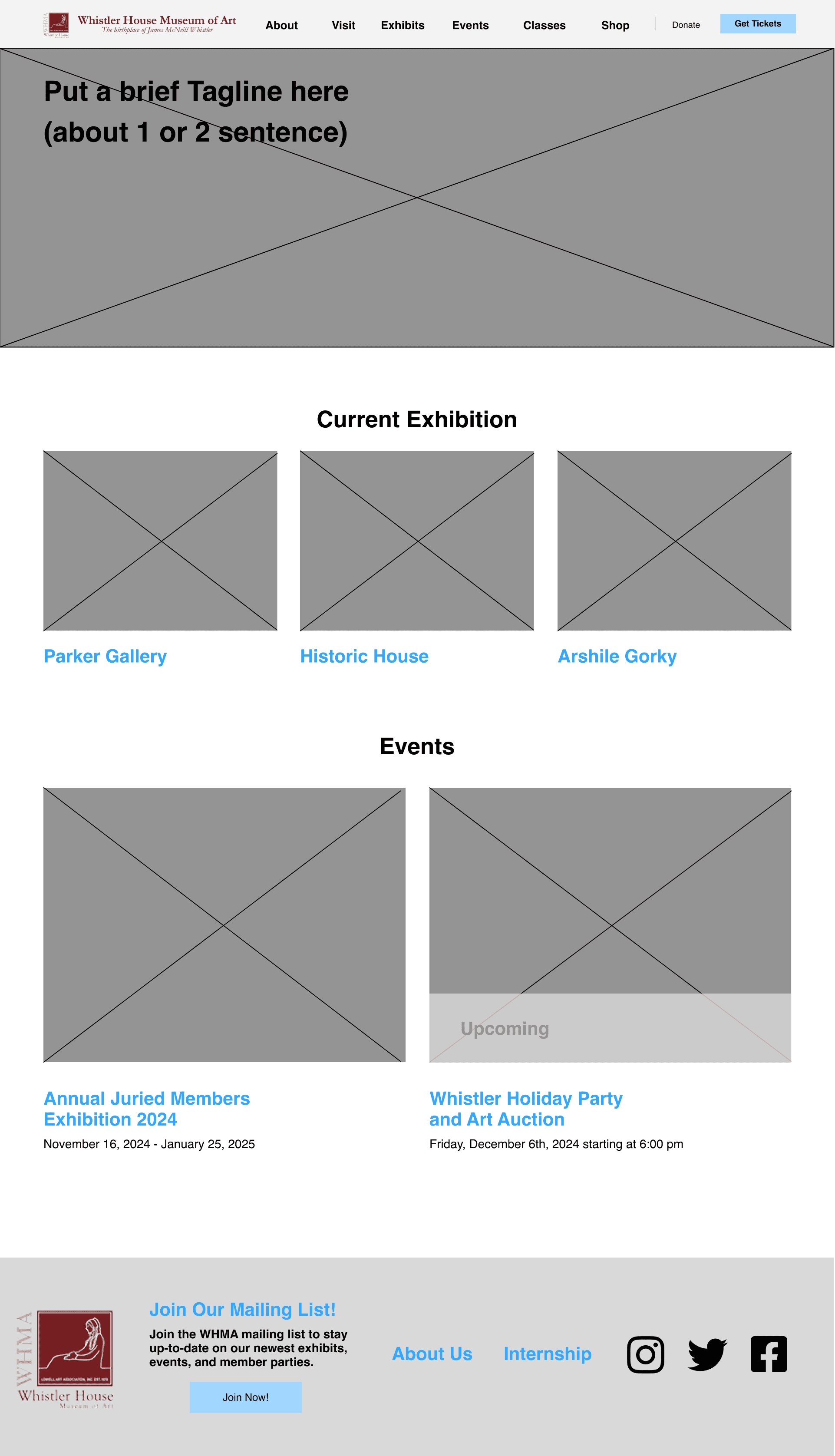
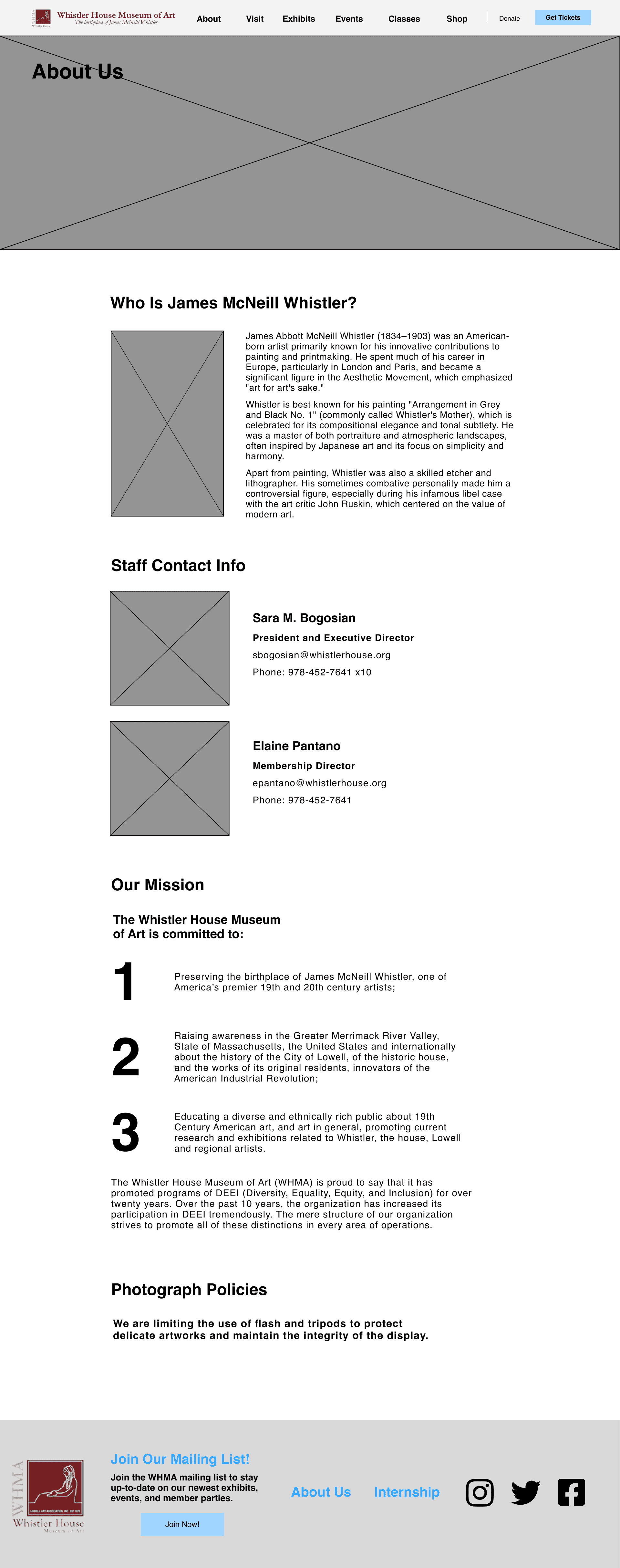
After all of the website features were created, I used wireframes to visualize see how the website would be constructed.
Once I was satisfied with my wireframes, I started designing the website.